Your marketing automation platform is only as powerful as the systems it connects to. Without a clean tech stack integration, you end up with fragmented data, broken triggers, and campaigns that fire at the wrong moment to the wrong person. Getting this right is one of the highest-leverage moves you can make as a CRM or marketing manager in 2026.
This guide walks you through every stage of a successful marketing automation integration, from auditing what you already have to scaling a connected stack that runs reliably. Follow these steps in order and you will have a solid foundation for real-time, cross-channel personalisation.
Map Your Current Tech Stack Before Integrating
Before you connect anything, document everything. A clear picture of your existing tools prevents duplicate data flows, conflicting triggers, and integration conflicts that are painful to unpick later.
- List every platform currently in use: CRM, ecommerce platform, analytics tools, ad platforms, loyalty systems, and any data warehouses.
- Identify who owns each tool, what data it holds, and how frequently that data updates.
- Note which tools already have native connectors or API access, and which require middleware such as Zapier or a custom build.
- Flag any legacy systems that export data manually or on a delayed schedule, as these will need special handling.
After this audit, you should have a single reference document showing every tool, its data type, its owner, and its connection method. If a system does not appear on that list, it should not be part of your integration until it is assessed. This map becomes your blueprint for everything that follows.
Define Your Data Model and Key Integration Points
A successful marketing automation integration depends on a shared data model. If your CRM uses “customer ID” and your ecommerce platform uses “user reference,” your integration will produce mismatched records unless you define the canonical identifier upfront.
- Choose a single unique identifier that will link records across all systems, typically an email address, customer ID, or loyalty number.
- Define the core data attributes your automation platform needs: purchase history, engagement history, lifecycle stage, channel preferences, and consent status.
- Map which system is the source of truth for each attribute. For example, your CRM owns lifecycle stage; your ecommerce platform owns purchase data.
- Document the data format for each field, including date formats, currency, and boolean values, to prevent transformation errors at the point of sync.
With your data model defined, you can now specify your key integration points: the exact moments when data needs to move between systems. Common integration points include post-purchase events, form submissions, loyalty tier changes, and app activity. Getting this level of specificity now saves significant debugging time later.
Connect Your CRM and Customer Data Sources
CRM integration is the backbone of any marketing stack setup. Your automation platform needs a live, accurate view of each contact to segment and trigger campaigns correctly.
- Use your CRM’s native API or a pre-built connector to establish a two-way sync with your marketing automation platform.
- Set the sync frequency based on your campaign cadence. Real-time webhooks work best for transactional triggers; daily batch syncs are sufficient for segment refreshes.
- Pull in additional customer data sources alongside your CRM: ecommerce order data, app behaviour, web analytics events, and loyalty programme data.
- Apply deduplication rules at the point of ingestion so that one customer is always represented as one unified profile, regardless of how many systems they appear in.
Verify the connection by selecting five to ten known customer records and checking that their attributes match across both systems after the first sync. Pay particular attention to customers who exist in multiple source systems, as these are the most likely to produce merge errors. Once your CRM and data sources are connected and clean, you have the unified customer view that makes smart segmentation possible.
Set Up Cross-Channel Triggers and Data Handoffs
With unified data in place, the next step is configuring the triggers that power your automated journeys. This is where your marketing automation setup translates into actual customer experiences across email, SMS, push, and web.
- Define your trigger events based on the integration points you mapped earlier. Examples include: cart abandoned, booking confirmed, loyalty tier upgraded, or 90 days since last purchase.
- For each trigger, specify the data payload that needs to accompany it: which customer attributes, which product or content data, and which channel the trigger should fire on.
- Configure data handoffs between systems. For example, when your ecommerce platform fires a “purchase completed” event, it should pass order value, product category, and next recommended product to your automation platform.
- Set suppression logic to prevent overlapping triggers. A customer who just received a win-back email should not simultaneously receive a cart abandonment sequence.
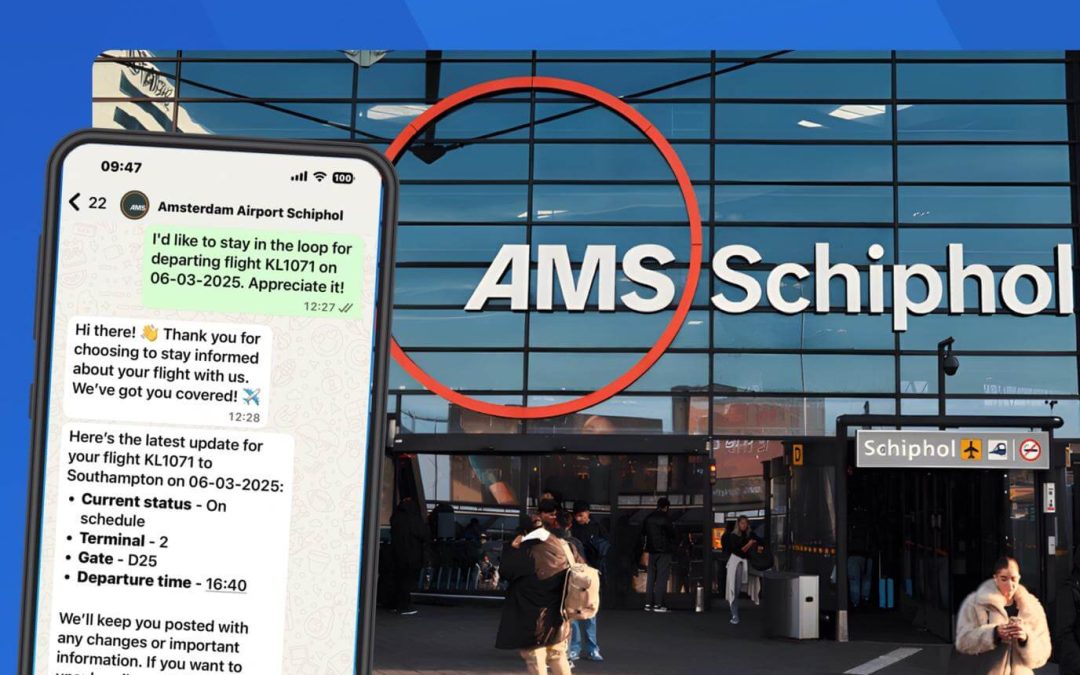
Test each trigger individually before activating full journeys. Send a test event from the source system and confirm that the correct automation fires, the right data populates, and the message delivers on the intended channel. For retail and travel brands in particular, getting the timing of these handoffs right is critical. A flight booking confirmation that arrives two hours late is a missed opportunity.
Test Data Flows and Validate Integration Accuracy
Integration testing is not a one-time checkbox. It is a structured process that confirms your data flows behave correctly under real conditions before any customer is affected.
- Create a set of test profiles that represent your key customer segments: a new subscriber, an active buyer, a lapsed customer, and a loyalty member.
- Run each test profile through your key journeys and verify that the correct trigger fires, the correct content renders, and the correct channel is used at each step.
- Check data accuracy by comparing field values in your automation platform against the source system record for each test profile.
- Stress-test your sync by simulating a high-volume event, such as a flash sale, to confirm that your integration handles concurrent triggers without delay or data loss.
Document the results of every test run. Note any fields that failed to sync, any triggers that misfired, and any latency issues that appeared under load. Fix these before go-live, not after. A clean test log also gives you a baseline to compare against when you retest after future changes to the stack.
Maintain and Scale Your Integrated Stack Over Time
A marketing automation integration is not a set-and-forget project. As your business adds new tools, launches new channels, or changes its data model, the integration needs to evolve with it.
- Schedule a quarterly integration audit to check that all syncs are running on time, all triggers are firing correctly, and no new data quality issues have appeared.
- When adding a new tool to your stack, run it through the same mapping and testing process before connecting it to live campaigns.
- Monitor sync error logs on a weekly basis. Silent failures, where a sync appears to run but passes no data, are common and easy to miss without active monitoring.
- Review your data model annually. As your customer base grows and your personalisation strategy matures, you will likely need to add new attributes or retire old ones.
Scaling your integrated marketing tools setup also means thinking about governance. Define who has permission to add new integration points, who reviews data model changes, and who is responsible for testing after any system update. Without clear ownership, integrations degrade quietly over time as individual platforms update their APIs or change their data structures.
How Deployteq Simplifies Marketing Automation Integration
Pulling all of this together manually is a significant undertaking. We built Deployteq specifically to reduce that complexity, giving marketing teams a single platform where data, journeys, and channels connect without requiring heavy technical resources.
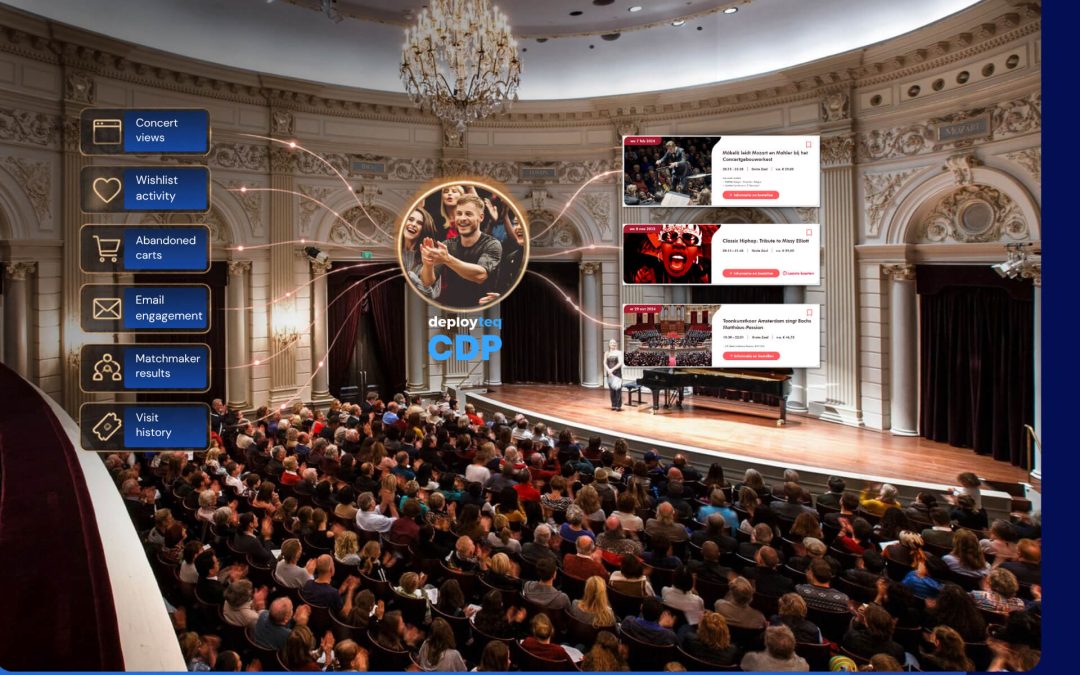
- Unified customer data: Our Customer Data Platform consolidates CRM data, behavioural signals, and transactional history into a single customer profile, ready to activate in real time.
- Native cross-channel triggers: Build journeys that fire across email, SMS, WhatsApp, push, and web from one interface, with data handoffs handled automatically between channels.
- Smart segmentation: Use RFM modelling, next-best-offer logic, and predictive insights to create segments that update dynamically as customer data changes.
- Flexible integrations: Connect your existing CRM, ecommerce platform, and data sources using our pre-built connectors and open API, without rebuilding your stack from scratch.
- Scalable by design: Whether you are managing thousands or millions of customer records, the platform handles volume without compromising on speed or accuracy.
If you are ready to move from fragmented tools to a connected marketing stack that actually delivers, book a demo and we will show you exactly how it works for your setup.