Getting marketing automation right from the start saves you months of rework. Done well, it means your campaigns run smarter, your segments stay sharp, and your customers receive the right message at exactly the right moment. Done badly, it creates a tangled mess of untriggered journeys and irrelevant emails that quietly erode trust.
This guide walks you through how to implement marketing automation in a way that actually sticks, from laying the groundwork to refining performance over time. Whether you are migrating from a simpler platform or building your marketing automation strategy from scratch, these steps give you a clear path forward.
What You Need Before Implementing Marketing Automation
Before you touch a single workflow, get your foundations in order. Rushing into automation without clean data and clear ownership is one of the most common reasons implementations stall.
Gather the following before you start:
- Unified customer data: Consolidate contact records from your CRM, e-commerce platform, and any offline sources into a single, deduplicated dataset.
- Defined data fields: Know which attributes you will use for segmentation, such as purchase history, lifecycle stage, or engagement score.
- Clear team ownership: Assign who manages journeys, who owns data quality, and who approves content.
- Channel readiness: Confirm your email, SMS, and push infrastructure is technically set up, including domain authentication and opt-in compliance.
- Integration map: List every tool that needs to connect to your automation platform, from your e-commerce stack to your loyalty programme.
Once these are in place, you are building on solid ground rather than patching gaps mid-flight.
Define Your Automation Goals and Target Segments
Vague goals produce vague results. Before building a single journey, define what success looks like in measurable terms. Think in outcomes: reduce cart abandonment rate, increase repeat purchase frequency, or lift email engagement for lapsed customers.
- Set two or three primary automation objectives tied to business KPIs, such as LTV, conversion rate, or churn reduction.
- Identify the customer segments most relevant to each goal, for example, high-value loyalists, first-time buyers, or subscribers who have not opened in 90 days.
- Define the trigger conditions for each segment, whether that is a behaviour like a browse event, a time-based rule, or a data threshold.
- Document the expected outcome for each automated campaign so you have a benchmark before launch.
A retail brand, for instance, might prioritise a post-purchase upsell journey for customers who bought in a specific category, triggered within 48 hours of their order confirmation. Getting this specific at the planning stage makes every subsequent step faster and cleaner.
Map and Build Your First Automated Customer Journey
Start with one journey, not ten. A focused first build lets you learn quickly and avoid the complexity that kills momentum in early implementations. Choose a journey with a clear trigger, a defined audience, and a measurable end goal.
- Sketch the journey on paper or a whiteboard before touching your platform, mapping each touchpoint, decision branch, and exit condition.
- Define your entry trigger precisely, whether it is a form submission, a purchase event, or a date-based rule.
- Build the journey in your platform step by step, starting with the trigger, then adding messages, wait steps, and conditional splits.
- Set exit conditions so contacts leave the journey once they convert or meet a disqualifying condition.
A well-mapped welcome series, for example, might branch based on whether a new subscriber has already made a purchase. Those who have receive product education content; those who have not receive an incentive to convert. Keep the logic clean and the branching minimal until you have validated the core flow.
Set Up Personalisation and Cross-Channel Messaging
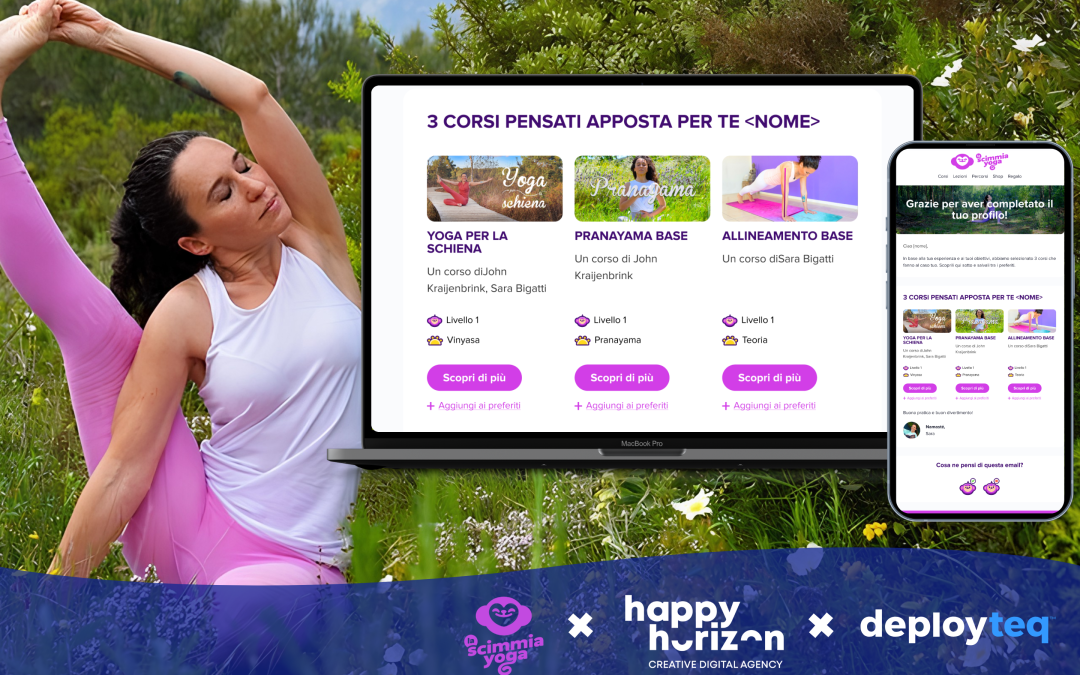
Personalisation is not just inserting a first name. It means delivering content that reflects where a customer is in their lifecycle, what they have interacted with, and what they are most likely to want next.
Configure personalisation at the content level:
- Use dynamic content blocks to swap product recommendations, offers, or imagery based on segment attributes.
- Pull in real-time data where possible, such as recently viewed items or current loyalty points balance.
- Align your messaging across channels so that an email follow-up and an SMS reminder feel like one coherent conversation, not two disconnected blasts.
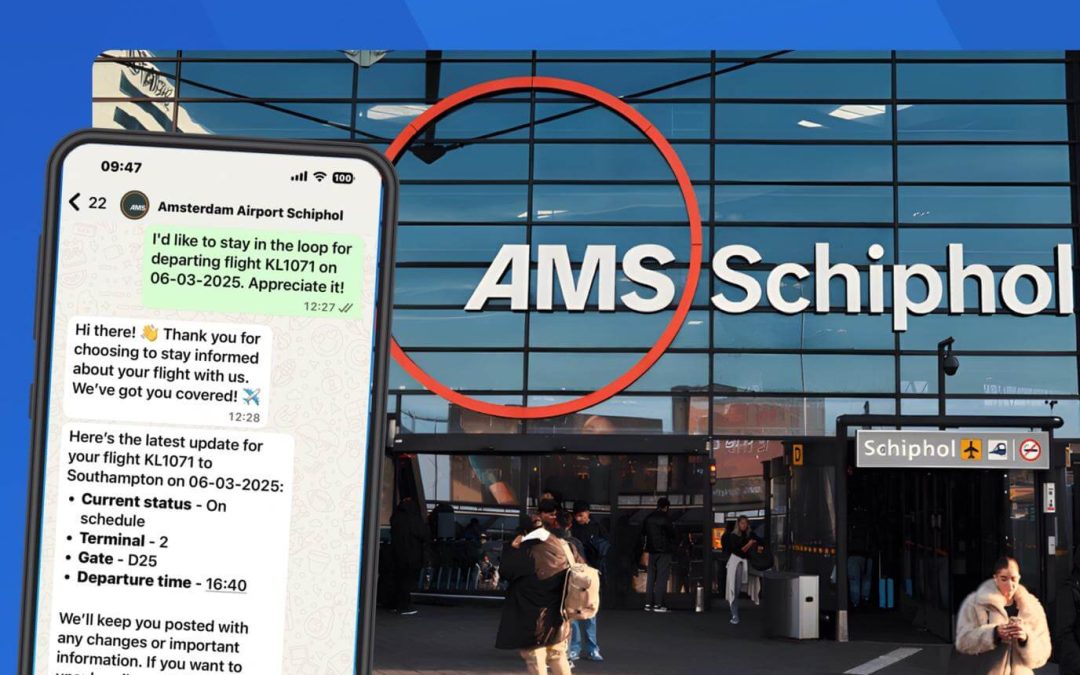
For cross-channel sequencing, set channel priority rules. If a customer opens the email, suppress the SMS. If they do not open within 24 hours, trigger a push notification. This kind of cross-channel email strategy reduces message fatigue and keeps engagement high. For travel brands, this might mean a booking reminder via email followed by a WhatsApp message with a packing checklist if the email goes unopened.
Test and Launch Your Automation Safely
Never send an untested journey to your full audience. A structured testing process catches errors before they reach thousands of contacts and protects your sender reputation.
- Send test contacts through the full journey and verify every message renders correctly across devices and email clients.
- Check all dynamic content fields populate accurately, paying close attention to fallback values for missing data.
- Validate trigger conditions by manually firing them with test profiles to confirm contacts enter and exit the journey as expected.
- Run a soft launch to a small, representative segment, typically five to ten percent of your audience, before scaling.
- Monitor delivery rates, open rates, and click-through rates in the first 24 to 48 hours before opening the journey to the full segment.
After your soft launch, confirm that no contacts are stuck in unexpected wait steps and that your suppression lists are working correctly. A clean test phase is the difference between a confident launch and a crisis management situation.
Track Performance and Refine Your Automation Over Time
Launching a journey is the beginning, not the end. Automated marketing campaigns need ongoing attention to stay effective as customer behaviour shifts and your data matures.
Build a regular review cadence into your workflow:
- Weekly: Monitor delivery health, open rates, and click-through rates for active journeys.
- Monthly: Review conversion rates and revenue attribution against your original KPIs.
- Quarterly: Audit segment logic to ensure entry conditions still reflect your current customer base.
Use A/B testing to improve message performance systematically. Test one variable at a time, whether that is subject line, send time, or CTA copy, and let statistical significance guide your decisions rather than gut feel. Journeys that performed well at launch often need a refresh after three to six months as audience behaviour evolves.
Refining your setup over time is where the real compounding value of automation kicks in. Each improvement builds on the last, and your campaigns get sharper without requiring proportionally more effort.
How Deployteq Helps You Implement Marketing Automation
We built Deployteq specifically for marketers who need to move fast without sacrificing control. Our platform gives you everything you need to implement a marketing automation setup that scales, from clean data foundations to sophisticated cross-channel journeys.
Here is what we bring to the table:
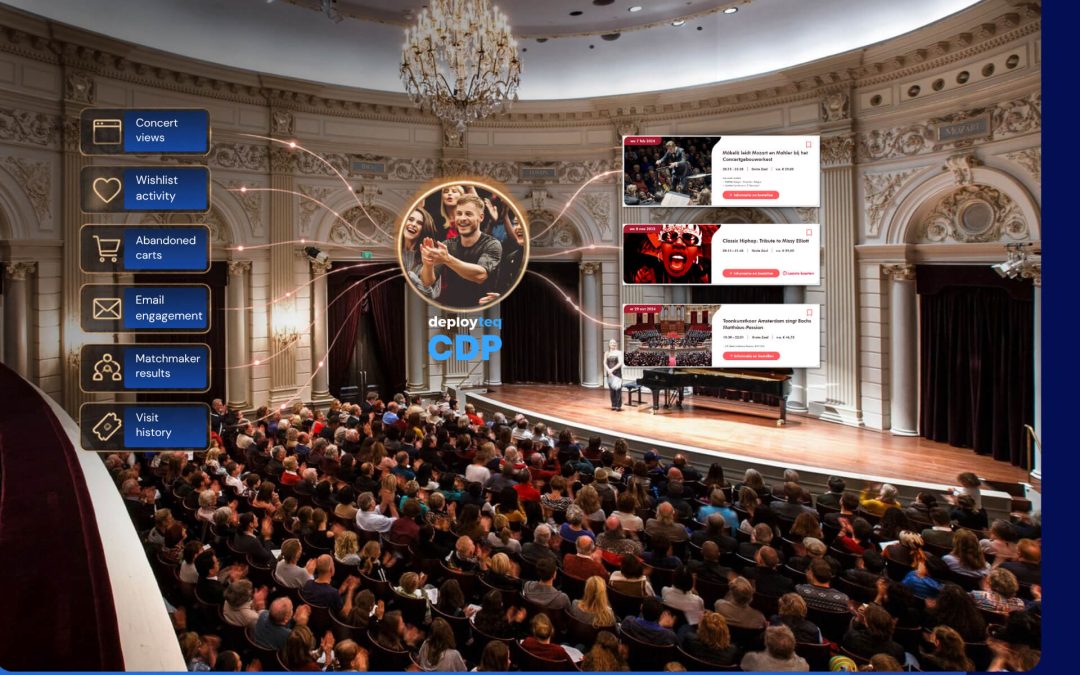
- Built-in CDP: Unify fragmented customer data into a single, actionable profile, with intelligent modelling including RFM, next-best-offer, and predictive insights.
- Visual journey builder: Design and deploy automated customer journeys across email, SMS, WhatsApp, push, and web without needing developer support.
- Advanced segmentation: Build real-time, hyper-personalised segments based on behaviour, lifecycle stage, and predictive scores.
- Cross-channel orchestration: Set channel priority rules, suppress across touchpoints, and deliver a consistent experience wherever your customer is.
- Performance dashboards: Track every journey’s impact with reporting that connects directly to your business KPIs.
Whether you are upgrading from a simpler platform or scaling an existing customer data platform, we make the transition straightforward. Book a demo and see how Deployteq can accelerate your automation from day one.