Keeping existing customers engaged costs far less than acquiring new ones. Yet most retention efforts still rely on manual sends, gut-feel timing, and one-size-fits-all messaging. That is a missed opportunity. When you automate customer retention campaigns properly, you deliver the right message at the right moment, every time, without adding to your team’s workload.
This guide walks you through exactly how to build a reliable, data-driven automated retention strategy, from mapping your segments to tracking the metrics that prove it is working.
Map Your Retention Segments Before Automating
Before you build a single workflow, you need to know who you are trying to retain and why they are at risk. Jumping straight into automation without clear segments produces generic campaigns that feel irrelevant and drive churn rather than loyalty.
Start by pulling your customer data and grouping contacts based on behaviour and value signals:
- High-value, active customers who purchase regularly and engage with your emails
- At-risk customers who have gone quiet after a period of strong activity
- Lapsed customers who have not purchased or engaged within a defined window
- One-time buyers who converted once but never returned
RFM scoring (Recency, Frequency, Monetary Value) is one of the most reliable frameworks for this. Once your segments are defined, you have a clear map of which audiences need which type of retention campaign. Every subsequent step builds on this foundation, so get it right before moving forward.
Choose the Right Triggers for Each Retention Workflow
Effective retention workflows are trigger-based, not calendar-based. Sending a re-engagement email on the first of every month regardless of customer behaviour is batch-and-blast thinking. Triggers make your customer data actionable in real time.
Match your triggers to the segment behaviour you identified in the previous step:
- Inactivity trigger: No email open or site visit within 30, 60, or 90 days, depending on your typical purchase cycle
- Post-purchase trigger: A set number of days after a first or second purchase, prompting a cross-sell or loyalty nudge
- Expiry or renewal trigger: Relevant for subscriptions, loyalty points, or finance products approaching a milestone
- Browse abandonment trigger: A customer viewed a product category multiple times without converting
- Drop in spend trigger: A high-value customer’s average order value has declined over recent transactions
Once your triggers are mapped to each segment, you have the logic layer of your retention automation in place. The next step is building out what happens after each trigger fires.
Build Your Automated Retention Campaign Sequences
With your triggers configured, the next step is designing the message sequences that each trigger kicks off. Think of each sequence as a short, purposeful journey with a clear goal: re-engage, reward, or recover.
A practical structure for most retention workflows looks like this:
- Email 1: A warm, value-led re-engagement message sent immediately after the trigger fires. No hard sell. Remind the customer what they love about your brand.
- Email 2: Sent 3 to 5 days later if there is no engagement. Add a specific incentive, a personalised recommendation, or a loyalty reward.
- Email 3: A final attempt, 7 to 10 days after Email 2. Keep it brief and direct. If the customer still does not engage, move them to a suppression list rather than continuing to contact them.
For higher-value segments, extend the sequence across channels. An SMS or push notification on day two can significantly lift response rates compared to email alone. Keep each message focused on a single action, and make sure the journey exits cleanly when the customer converts or opts out.
Personalise Retention Messages with Customer Data
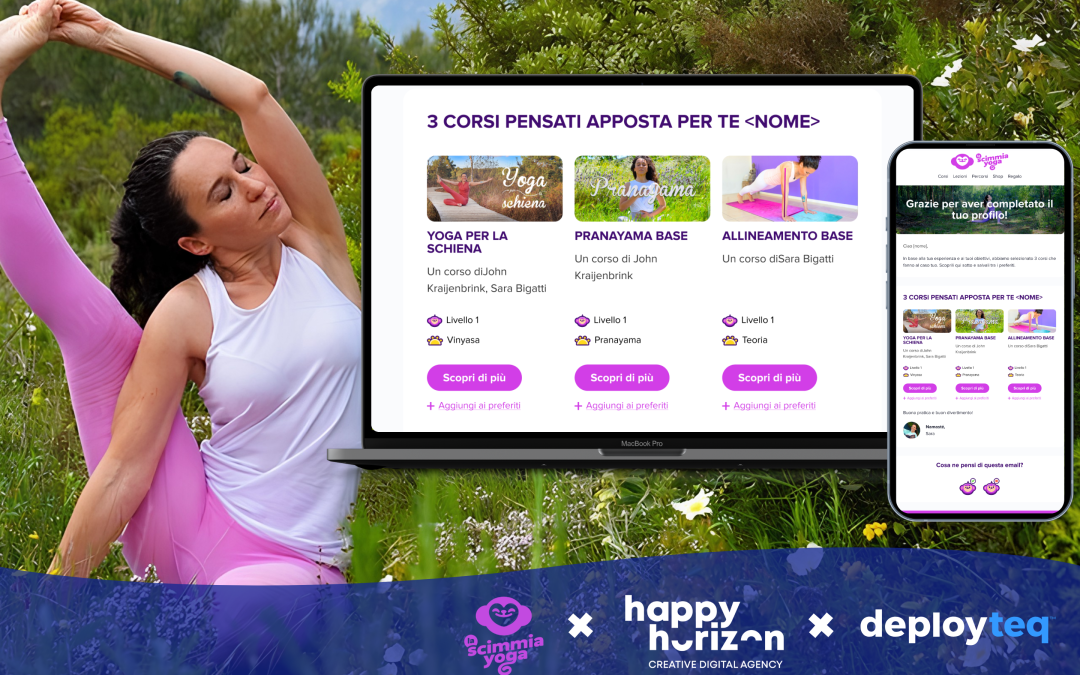
Generic retention emails get ignored. Personalisation is what separates a customer retention email that converts from one that ends up in the bin. The good news is that you already have the data you need from your segmentation work.
Use dynamic content to tailor each message based on what you know:
- Reference the customer’s last purchase category or product by name
- Surface next-best-offer recommendations based on purchase history
- Adjust the tone and offer based on LTV, so high-value customers receive premium treatment
- Use first-name personalisation as a baseline, but go deeper with behavioural context
For a retail brand, this might look like: “You last picked up running trainers in March. Here is what is new in your size.” For a travel brand, it could be: “You browsed city breaks last week. Prices for Amsterdam have just dropped.” That level of specificity is only possible when your email marketing platform is connected to unified customer data. Verify that your personalisation tokens are pulling correctly before you launch, and always set a fallback value in case a data field is empty.
Test and Launch Your Retention Automation Safely
Automated campaigns run without you watching them. That makes thorough testing non-negotiable before you go live. A broken link or a misfiring trigger in a retention workflow can quietly damage customer relationships at scale.
Run through this checklist before activating any retention workflow:
- Send test emails to internal addresses and check rendering across desktop, mobile, and major email clients
- Verify that each trigger fires correctly by simulating the qualifying behaviour in a test account
- Confirm that exit conditions work, so a customer who converts is immediately removed from the sequence
- Check all personalisation tokens return the correct values, including fallbacks for missing data
- Review suppression lists to ensure recently contacted or opted-out customers are excluded
Once testing is complete, launch to a smaller subset of your segment first, around 10 to 20 percent. Monitor open rates, click rates, and unsubscribes over the first 48 hours before rolling out to the full audience. This controlled launch protects your sender reputation and gives you an early signal if something needs adjusting.
Track Retention Metrics and Refine Your Flows
Launching your automated retention strategy is the beginning, not the end. The flows you build today should improve continuously based on what the data tells you. Define your success metrics before you launch so you are measuring against a clear baseline.
The core metrics to track for any retention campaign include:
- Re-engagement rate: The percentage of at-risk or lapsed customers who open, click, or purchase after entering the workflow
- Customer churn rate: Whether your overall churn is declining over time as a result of the automation
- Revenue per workflow: The total revenue attributable to each retention sequence
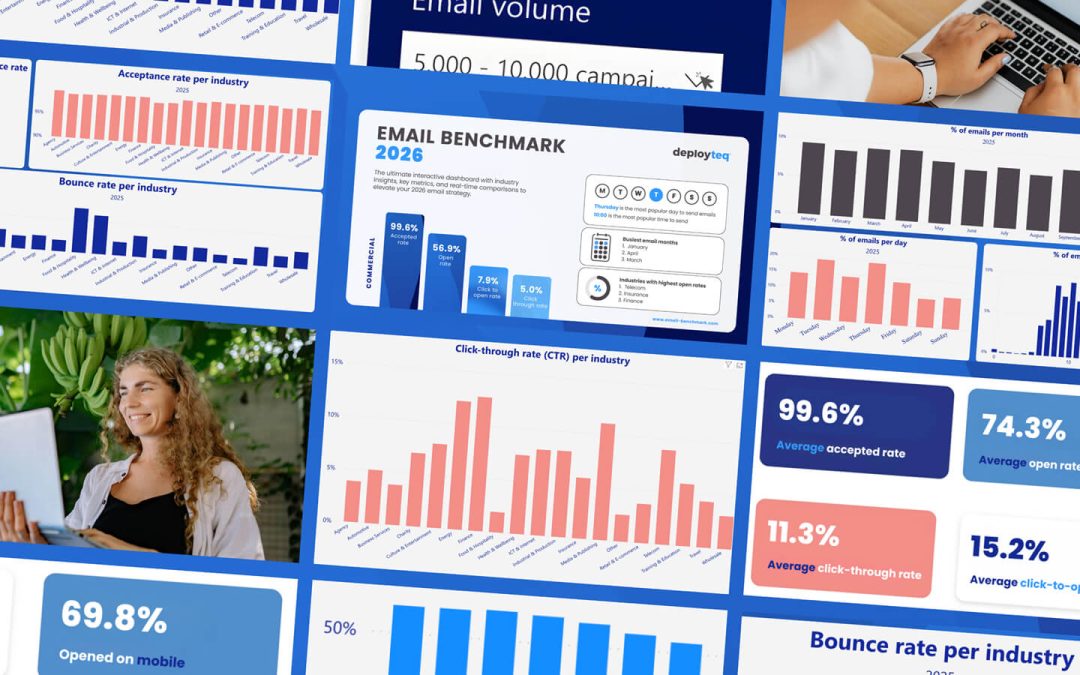
- Email open and click-through rates: Indicators of message relevance and subject line performance
- Unsubscribe rate per sequence: A spike here signals that frequency or messaging needs adjustment
Review your flows monthly. A/B test subject lines, send times, and incentive types to find what resonates with each segment. Retire sequences that consistently underperform and replace them with fresh approaches. Retention automation compounds over time. The more you refine, the stronger your results become.
How Deployteq Helps You Automate Customer Retention
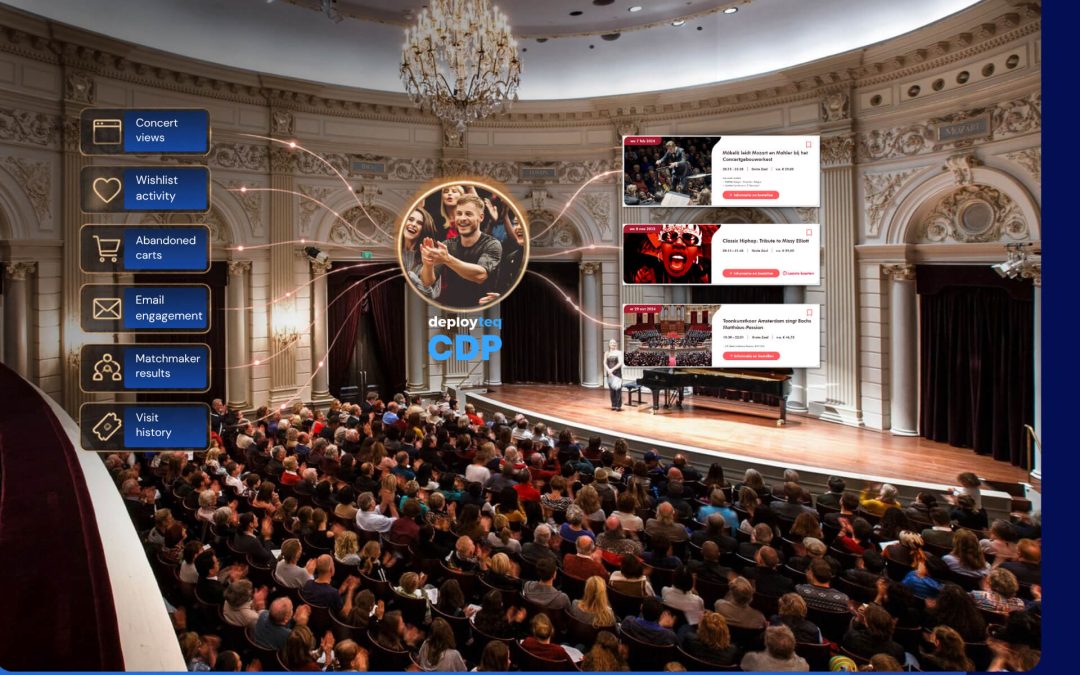
We built Deployteq specifically for marketers who need to run sophisticated retention campaigns without needing a developer for every change. Our platform connects your customer data, journey builder, and cross-channel delivery in one place, so you can move from segment to live campaign faster.
Here is what makes Deployteq the right platform for your retention automation:
- Built-in RFM and predictive modelling via our CDP, so your segments are always based on data you can actually use
- Real-time triggers across email, SMS, WhatsApp, push, and web, so every retention workflow fires at exactly the right moment
- Advanced segmentation that lets you build hyper-personalised customer segments without SQL or data science support
- A flexible journey builder that gives you full control over sequence logic, exit conditions, and cross-channel steps
- Next-best-offer modelling built into the platform, so personalisation goes beyond first names and into genuine behavioural relevance
If you are ready to see how this works in practice for your customer base, do a self-guided demo and explore what automated retention looks like inside Deployteq.