Marketing automation integrations work by connecting your automation platform to external tools, such as your CRM, ecommerce system, or data warehouse, so that data flows between them automatically. When a customer takes an action in one system, that information updates across all connected platforms in real time, allowing your automation workflows to respond instantly and accurately. Below, we break down exactly how these connections function, what they enable, and how to get the most from them.
What types of systems can marketing automation integrate with?
Marketing automation platforms can integrate with a wide range of systems, including CRM tools, ecommerce platforms, customer data platforms, loyalty programmes, payment processors, web analytics tools, social media channels, and customer support software. Essentially, any system that holds or generates customer data is a candidate for integration.
The most common integrations fall into a few clear categories:
- CRM systems (such as Salesforce or HubSpot) to sync contact records, purchase history, and lifecycle stages
- Ecommerce platforms (such as Shopify or Magento) to trigger cart recovery flows, order confirmations, and product recommendations
- Customer data platforms to unify fragmented data from multiple sources into a single customer profile
- Analytics tools to feed behavioural data like page views, session depth, and conversion events back into your segments
- Loyalty and membership systems to personalise communications based on tier, points balance, or reward eligibility
- Customer support platforms to pause or adapt automation when a contact has an open complaint or ticket
The breadth of possible integrations is what gives marketing automation its real power. Rather than working with isolated data sets, you build a connected view of every customer across every touchpoint.
How does data move between a marketing automation platform and other tools?
Data moves between a marketing automation platform and other tools primarily through APIs, webhooks, and native connectors. APIs allow two systems to request and exchange data on demand, webhooks push data from one system to another the moment an event occurs, and native connectors are pre-built integrations that handle the technical configuration for you.
In practice, this means your systems are constantly talking to each other. A customer completes a purchase in your ecommerce platform. That event fires a webhook to your automation tool, which updates the contact’s profile, exits them from any cart recovery journey, and enrols them in a post-purchase sequence, all within seconds.
Data flows can be one-directional or bidirectional. One-directional means data moves from System A to System B only. Bidirectional means both systems send and receive updates, keeping records in sync across your entire stack. For most CRM integrations, bidirectional sync is the standard to aim for, since it ensures your sales team sees the same contact state as your marketing platform.
What triggers can marketing automation use from integrated platforms?
Marketing automation can use any event or data change from an integrated platform as a trigger. Common examples include a CRM stage update, a completed purchase, a loyalty tier change, a support ticket being closed, a form submission, or a specific page being visited. The richer your integrations, the more precise and timely your triggers become.
Triggers from integrated platforms tend to be far more powerful than simple time-based triggers because they reflect real customer behaviour. For example:
- A travel brand can trigger a destination inspiration email the moment a user views a flight route three times without booking
- A retailer can trigger a back-in-stock alert the moment its inventory system logs a restock for a product a customer previously viewed
- A financial services brand can trigger a re-engagement sequence when a CRM record shows a policy renewal date is approaching
- An entertainment platform can trigger a lapsed-subscriber win-back flow when a user has not logged in for 30 days, based on data from their app analytics tool
These event-based triggers are what separate reactive, personalised automation from generic batch-and-blast campaigns. The more connected your systems, the more relevant your timing becomes.
How do marketing automation integrations support audience segmentation?
Marketing automation integrations support audience segmentation by feeding richer, more complete data into your platform. Instead of segmenting only on email engagement metrics, you can segment on purchase frequency, product category preferences, loyalty tier, support history, web behaviour, and app activity, all pulled from integrated systems.
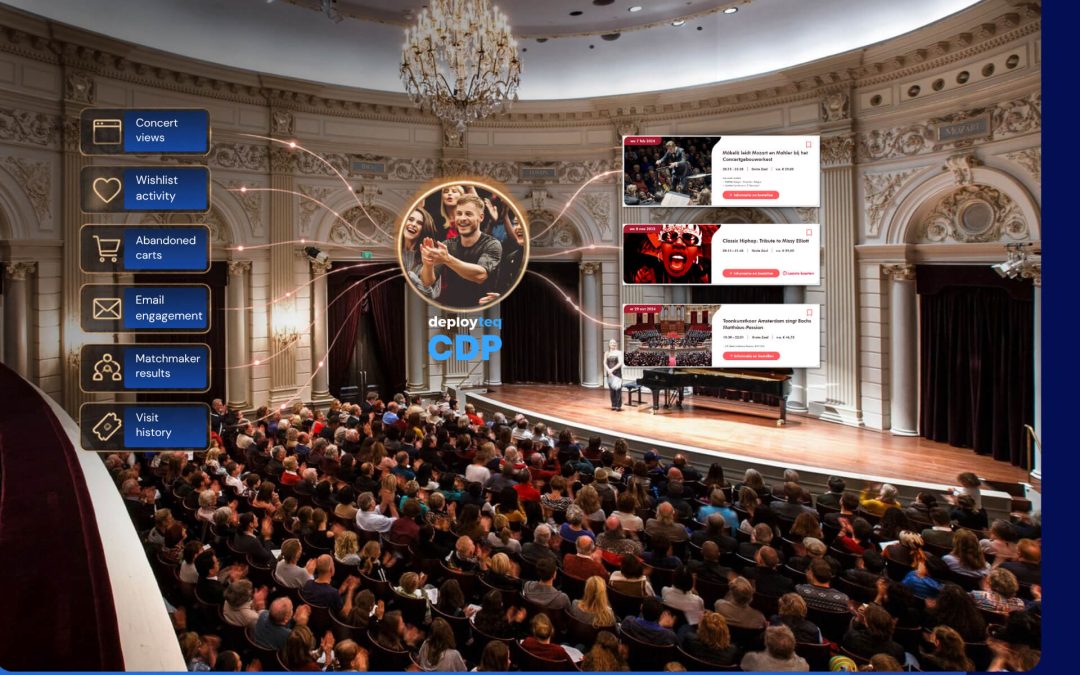
This is where the combination of a customer data platform and a marketing automation tool becomes particularly effective. A CDP consolidates data from every source into a unified customer profile. Your automation platform then reads that profile to build hyper-personalised segments in real time.
Practical examples of integration-driven segmentation include:
- Segmenting high-LTV customers based on total spend pulled from your ecommerce platform
- Identifying at-risk customers using RFM modelling (Recency, Frequency, Monetary Value) built from transaction data
- Suppressing contacts with open support tickets, using data from your customer service tool, to avoid sending promotional messages at the wrong moment
- Building next-best-offer segments based on browsing behaviour and purchase history combined
The result is segmentation that reflects the full customer relationship, not just the slice of it that lives inside your email tool.
What should you check before connecting a new integration?
Before connecting a new integration, you should confirm data compatibility, field mapping, sync frequency, consent compliance, and the impact on existing workflows. Skipping these checks is the most common reason integrations create data quality problems rather than solving them.
Work through this checklist before going live:
- Data compatibility: Do both systems use the same identifiers (email address, customer ID) to match records? Mismatched identifiers create duplicate profiles.
- Field mapping: Which fields from the source system map to which fields in your automation platform? Unmapped fields mean lost data.
- Sync frequency: Does the integration update in real time, hourly, or daily? Batch syncs can create lag that makes triggers fire too late to be relevant.
- Consent and compliance: Does the data being transferred comply with GDPR or your relevant data regulations? Confirm that consent records travel with the contact data.
- Workflow impact: Will the new data source affect existing segments or active journeys? Test in a staging environment before pushing live.
- Error handling: What happens if the sync fails? Make sure you have alerts in place so data gaps do not go unnoticed.
How do you know if a marketing automation integration is working correctly?
You can tell a marketing automation integration is working correctly when data arrives on time, contact records update accurately, triggers fire at the right moments, and no unexpected duplicates or data gaps appear. Monitoring these four signals consistently is the most reliable way to maintain integration health.
Set up the following checks as standard practice:
- Sync logs: Most integration tools provide logs showing what data was transferred, when, and whether any errors occurred. Review these regularly.
- Test contact records: Create a small set of test profiles and trace them through each connected system to verify fields update correctly at each stage.
- Trigger audits: Periodically check that event-based triggers are firing at the right moments by reviewing journey entry rates against expected volumes.
- Segment spot-checks: Pull a sample from a key segment and manually verify that the underlying data matches what you expect from the integrated source.
- Duplicate monitoring: Run regular deduplication checks, since a broken identifier match is one of the most common causes of duplicate contact records.
If any of these checks surface unexpected results, trace the issue back through the data flow step by step, starting from the source system and working toward your automation platform.
How Deployteq connects your entire marketing stack
Deployteq is built to make marketing automation integrations straightforward, whether you are connecting a CRM, an ecommerce platform, a loyalty system, or a customer data platform. Here is what we bring to the table:
- Native CDP: Our built-in Customer Data Platform unifies data from every connected source into a single customer profile, ready for real-time segmentation and activation across email, SMS, WhatsApp, push, and web.
- Intelligent modelling: RFM scoring, next-best-offer logic, and predictive insights are built directly into the platform, so your segments get smarter as more data flows in.
- Flexible connectivity: Connect your existing tools via API or native connectors, and map data fields to your exact requirements without needing a developer on standby.
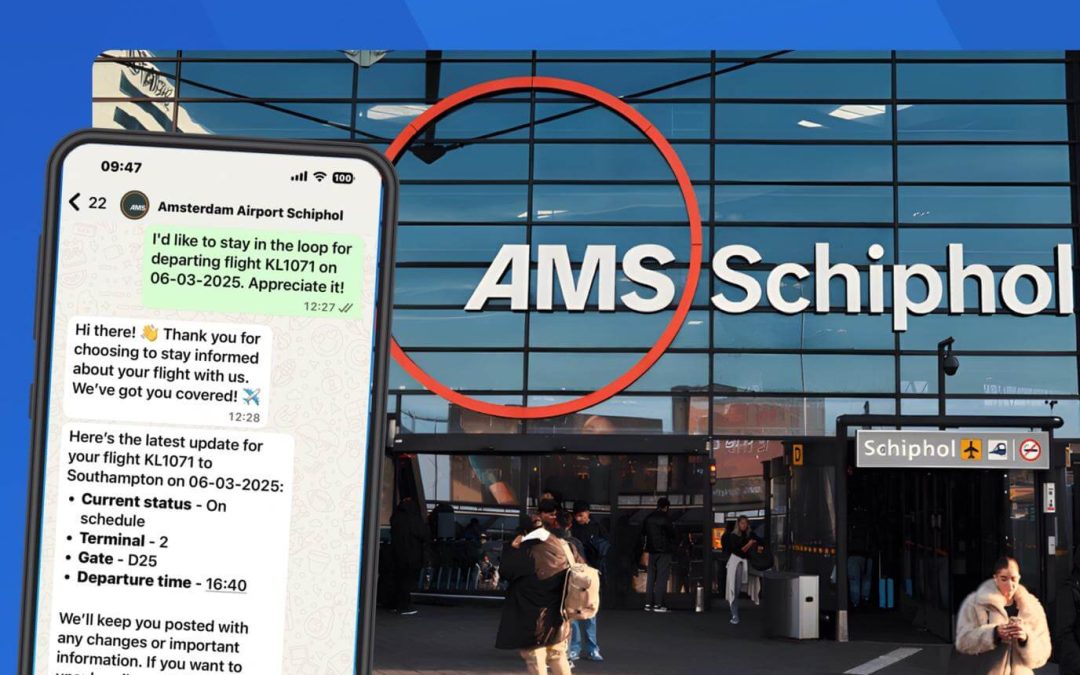
- Real-time triggers: Events from integrated platforms fire automation workflows instantly, so your messages reach customers at exactly the right moment.
- Cross-channel delivery: Once your data is unified, activate it across every channel from a single platform, keeping your customer experience consistent and on-brand.
If you are ready to see how connected, data-driven automation works in practice, do a self-guided demo and explore the platform at your own pace.