Most marketing automation setups treat all customer actions the same. A browse, a purchase, an abandoned cart, they all get lumped into the same drip sequence. Behavioral triggers fix that. They fire the right message at the exact moment a customer signals intent, so your campaigns feel less like broadcasts and more like conversations.
This guide walks you through the full setup process: from prerequisites to live validation. Follow these steps and you will have a working behavioral trigger framework that responds to real customer actions in real time.
What You Need Before Configuring Behavioral Triggers
Before you build a single trigger, get your foundations right. Behavioral trigger setup depends entirely on clean, accessible data. If your customer data is fragmented across platforms, your triggers will fire inconsistently or not at all.
Run through this checklist before you open your automation platform:
- Unified customer data: All behavioral data, web, email, purchase, app, should feed into one central profile per customer
- Event tracking in place: Your website and app need to fire events (page views, clicks, form submissions, purchases) that your platform can receive
- Defined customer segments: Know which audiences you are targeting before you map triggers, triggers without segments create noise
- Channel access confirmed: Verify you have active, tested channels (email, SMS, push) ready to receive automated sends
- Clear business goals per trigger: Each trigger should map to a measurable outcome, cart recovery rate, re-engagement rate, or conversion uplift
Once these are in place, you are ready to start mapping. Skipping this stage is the most common reason trigger-based marketing underperforms, the logic is sound, but the data feeding it is not.
Map Your Key Customer Behaviors to Trigger Points
Behavioral triggers are only as smart as the behaviors you choose to track. Start by identifying the actions that signal clear intent or a shift in the customer relationship. These become your trigger points.
Work through your customer journey and flag the moments that matter most:
- List every meaningful customer action across your channels, browsing a product category, abandoning a basket, completing a purchase, lapsing for 30 days
- Rank these by commercial impact, cart abandonment and post-purchase upsell typically sit at the top for retail and e-commerce
- Assign a trigger type to each action: entry trigger (first occurrence), re-entry trigger (repeated behavior), or exit trigger (behavior stops)
- Define the timing window for each trigger, for example, a cart abandonment email fires one hour after inactivity, not 24 hours later
- Document any suppression rules, customers who already purchased should not receive an abandonment email
For a travel brand, this mapping might look like: browse destination page (entry trigger) followed by no booking within 48 hours (re-entry or time-based trigger) followed by a personalized destination email. For a finance brand, it might be: opens account comparison page three times in one week, triggering a tailored product recommendation sequence.
This mapping document becomes the blueprint for everything that follows. Do not skip it, building triggers without a map leads to overlapping journeys and confused customers. A solid marketing automation strategy always starts here.
Set Up Behavioral Triggers in Your Automation Platform
With your behavior map in hand, move into your platform and start building. The exact interface will vary, but the logic is consistent across most marketing automation tools.
Configure Your Event Sources
Connect the data sources that will fire your triggers. This typically means linking your website tracking (via API or JavaScript snippet), your CRM, and any app data. Confirm that events are arriving correctly by checking your platform’s event log or data stream viewer before building any journeys.
Build the Trigger Conditions
- Navigate to your journey or automation builder and create a new workflow
- Select “behavioral event” or “customer action” as the entry condition, not a scheduled send
- Choose the specific event that fires the trigger (e.g., “cart abandoned,” “product page viewed 3+ times,” “purchase completed”)
- Set any additional conditions: segment membership, purchase history, channel preference, or LTV threshold
- Define your timing rules, immediate, delayed by X hours, or within a specific window
- Add suppression logic to exclude customers already in a conflicting journey or who have already converted
After saving your trigger conditions, check that the entry event appears in your platform’s trigger log. If test events are not being captured, revisit your event source connection before moving forward.
Connect Triggers to Personalized Campaign Actions
A trigger without a tailored response is just a notification. The value of customer behavior triggers comes from what happens next, a message that reflects exactly what the customer just did.
Connect each trigger to a campaign action that matches the intent behind the behavior:
- Cart abandonment trigger: Fire a behavioral email trigger with the specific products left behind, a clear CTA, and optional urgency (low stock, limited-time offer)
- Post-purchase trigger: Send a confirmation, then queue a cross-sell or review request based on the product category purchased
- Re-engagement trigger: Activate a win-back sequence when a customer has not opened or clicked in 60 days, start with email, escalate to SMS if no response
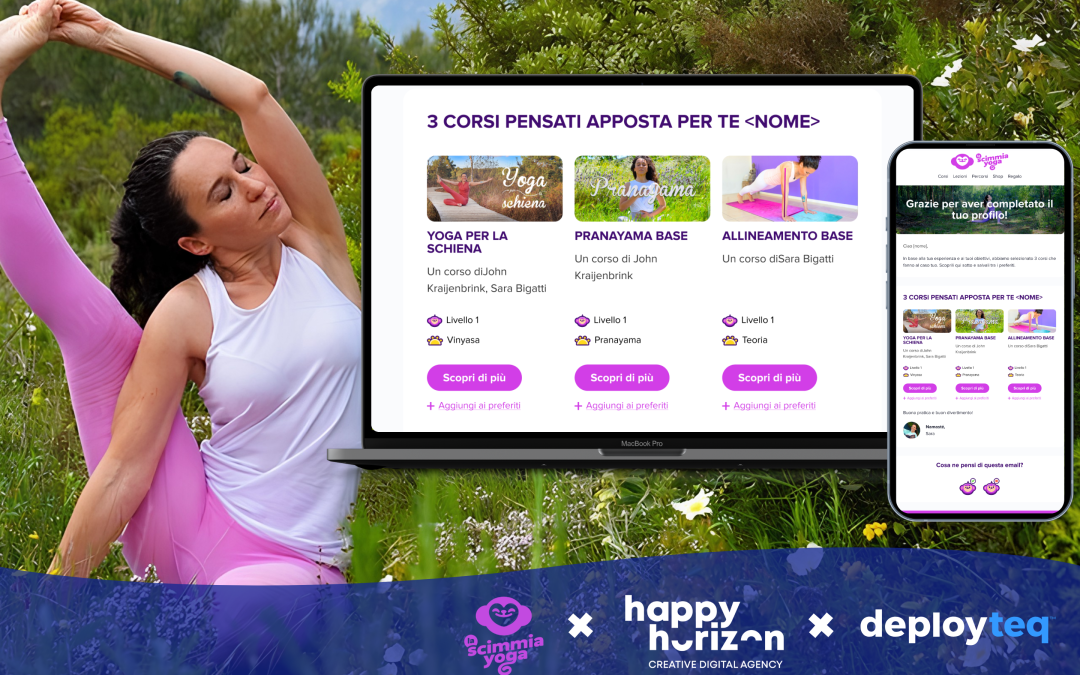
- Browse abandonment trigger: Serve a personalized recommendation email featuring the viewed category, supported by dynamic content blocks
Use dynamic content within each campaign so the message adapts to the individual, not just the trigger. A customer who browsed ski holidays should not receive the same email as one who browsed city breaks, even if both fired the same browse abandonment trigger. This is where your customer data platform earns its keep, powering the personalization layer behind every send.
Once your campaign actions are connected, run a full preview using test profiles that represent each segment. Confirm that dynamic content renders correctly and that the right message maps to the right trigger condition.
Test and Validate Triggers Before Going Live
Do not skip testing. A misconfigured automated trigger can fire hundreds of incorrect emails before you notice. Build a structured validation process into your launch plan.
- Create two or three internal test profiles that represent distinct customer segments
- Manually fire each trigger event using your platform’s test mode or by simulating the event in your tracking system
- Confirm the correct journey is entered and the correct campaign action fires within the expected time window
- Check suppression rules by triggering the same event twice, the second entry should be blocked if re-entry is restricted
- Verify personalization: confirm that dynamic content blocks pull the correct data for each test profile
- Review the full send on desktop and mobile, check rendering, links, and any conditional content blocks
After internal testing, consider a soft launch to a small segment (5 to 10 percent of the eligible audience) before full rollout. Monitor open rates, click rates, and conversion events over 48 to 72 hours. If the numbers look healthy and no errors surface in your platform’s event log, expand to the full audience.
Optimize Behavioral Triggers with Performance Data
Behavioral trigger setup is not a one-time task. The best-performing trigger-based marketing programs treat every live trigger as a live experiment. Build a review cadence into your workflow from day one.
Focus your optimization efforts on these performance signals:
- Trigger entry rate: Are enough customers qualifying for the trigger? If not, revisit your entry conditions, they may be too narrow
- Open and click-through rate: Low engagement after entry suggests the message or timing is off, not necessarily the trigger itself
- Conversion rate per trigger: This is your primary success metric, track it per trigger, not just per campaign
- Suppression rate: A high suppression rate may indicate overlapping journeys that need restructuring
- Time-to-convert: If customers are converting but slowly, test a shorter delay on your trigger timing
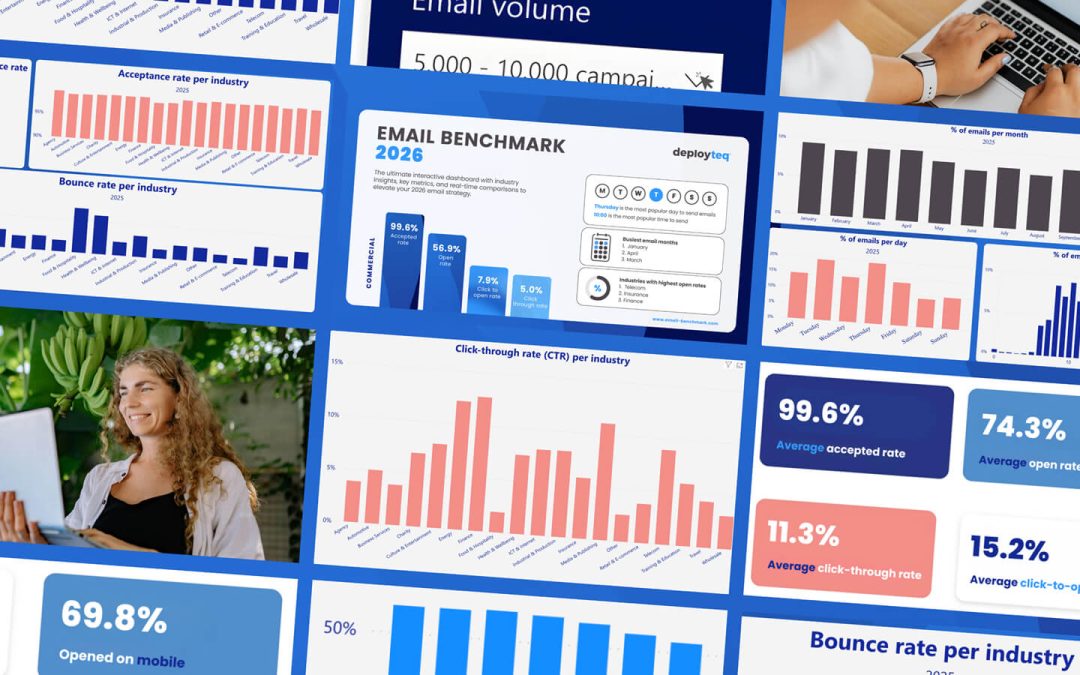
Run A/B tests on timing windows, subject lines, and content variants within each triggered journey. For example, test a one-hour versus a three-hour delay on cart abandonment emails and measure which drives higher recovery rates. Let the data guide your iteration, not assumptions.
Review your full trigger map quarterly. Customer behaviors shift, especially in sectors like travel and retail where seasonality plays a significant role. A trigger that performs well in peak season may need recalibrating in quieter periods. Keep your email marketing triggers aligned with where your customers actually are in their journey right now.
How Deployteq Helps You Build Smarter Behavioral Triggers
Deployteq is built for exactly this kind of work. Our platform gives marketing teams the tools to move from manual campaign management to intelligent, behavior-driven automation, without needing a data science team to make it happen.
Here is what we bring to your behavioral trigger setup:
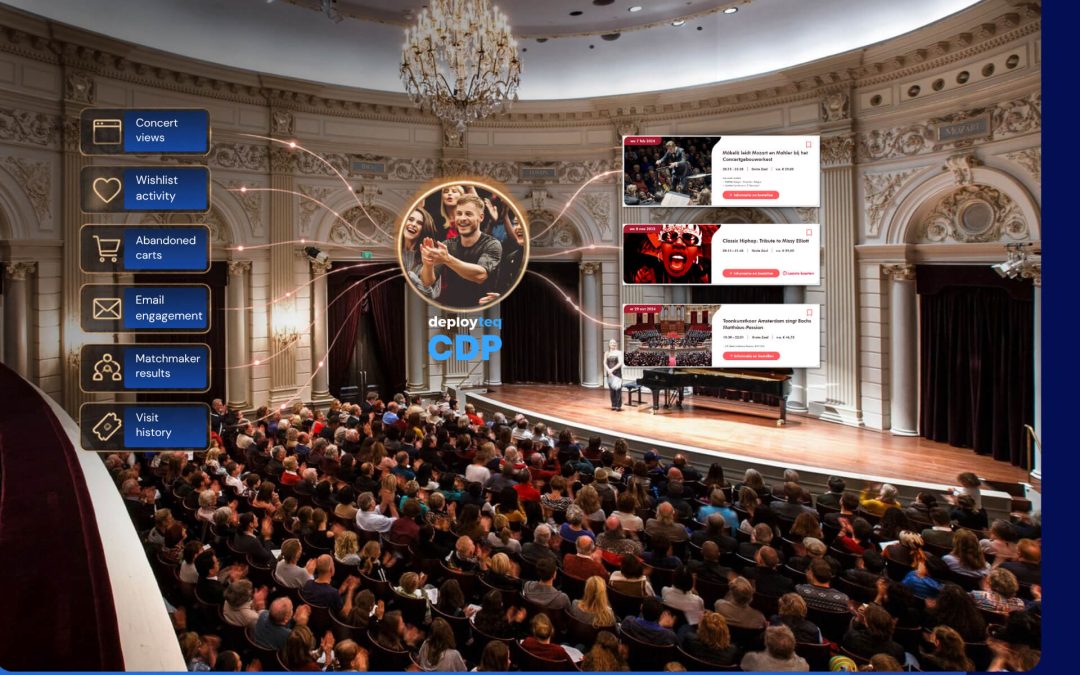
- Unified customer profiles: Our CDP consolidates data across every channel into a single customer view, so your triggers always fire on accurate, up-to-date behavior
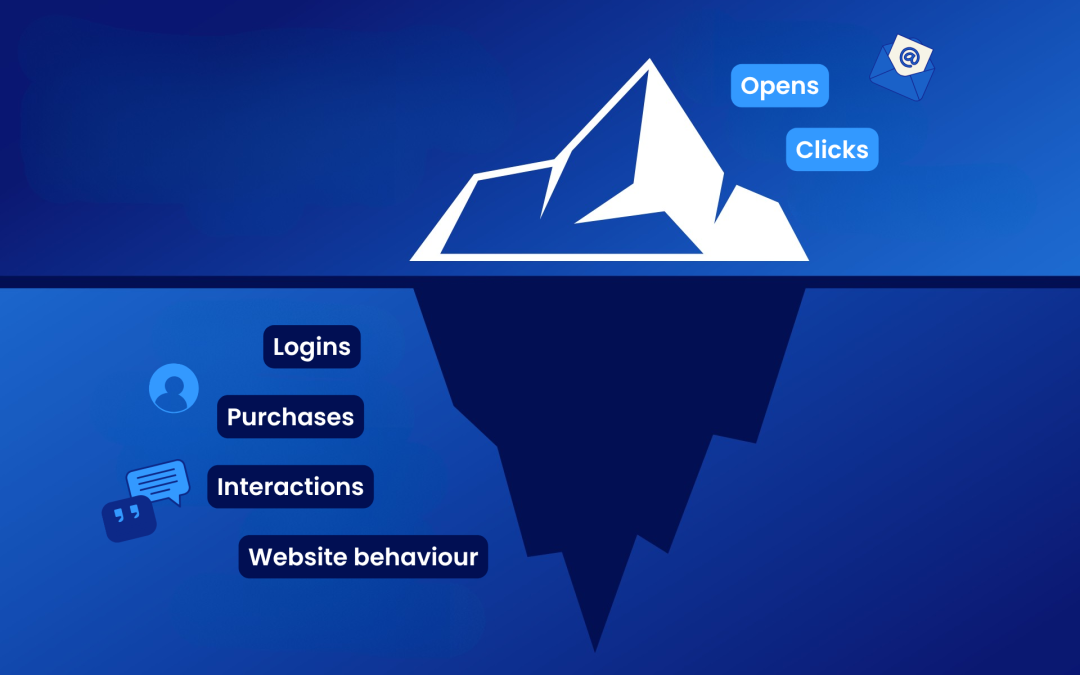
- Real-time event tracking: Capture behavioral signals the moment they happen, browse events, purchases, app interactions, and activate triggers instantly
- Advanced segmentation: Layer trigger conditions with rich segment logic, including RFM scoring, predictive insights, and next-best-offer modelling
- Cross-channel trigger actions: Connect triggers to email, SMS, WhatsApp, push, and web in a single journey, no platform switching required
- Flexible journey builder: Design complex trigger-based journeys with full control over timing, branching logic, and suppression rules
Whether you are setting up your first cart abandonment sequence or rebuilding a complex lifecycle program, Deployteq gives you the control and flexibility to do it right. Book a demo and see how behavioral triggers work inside the platform.