Most marketing automation strategies fail not because of the technology, but because of the planning. Brands jump straight into building workflows before they have clear goals, clean data, or a real understanding of how their customers move through a journey. The result? Automated campaigns that fire at the wrong moment, to the wrong person, with the wrong message.
This guide walks you through how to build a marketing automation strategy that actually works, from mapping your goals to launching and monitoring your first automated campaigns. Follow these steps in order, and you will have a solid foundation to scale from.
Map Your Goals and Customer Journeys First
Before you configure a single trigger or build a single workflow, define what success looks like. Vague objectives like “improve engagement” will not get you far. Instead, anchor your automation strategy to specific business outcomes: reduce cart abandonment by a measurable percentage, increase repeat purchase rate within 90 days, or shorten the lead-to-conversion window for a specific segment.
Once your goals are clear, map the customer journeys that support them. Think about the key moments where automation can add real value.
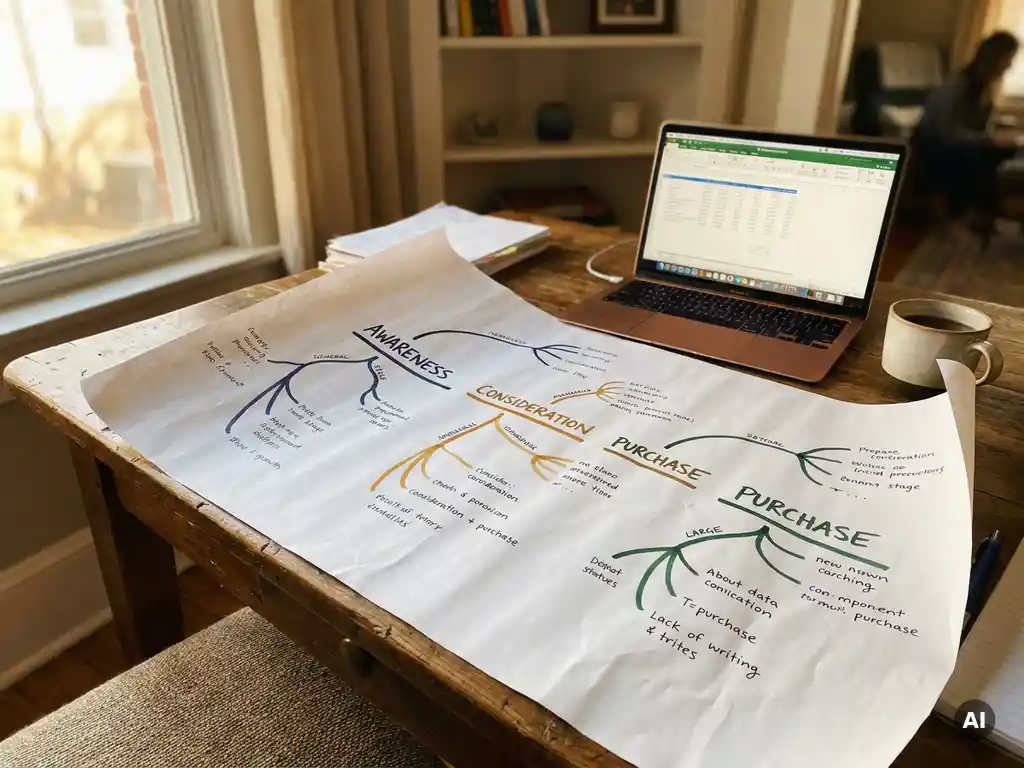
- Identify the stages in your customer lifecycle: awareness, consideration, purchase, retention, and re-engagement.
- For each stage, document the touchpoints where customers interact with your brand, whether that is email, SMS, your app, or your website.
- Pinpoint the moments of friction or drop-off. These are your highest-priority automation opportunities.
- Define the ideal path you want customers to take through each journey, and note where a timely, personalised message could nudge them forward.
When you finish this step, you should have a clear picture of which journeys to automate first and what each one needs to achieve. Prioritise two or three high-impact journeys rather than trying to automate everything at once.
Audit Your Data and Segmentation Foundations
Your marketing automation is only as good as the data powering it. Before you build anything, audit what you have. Fragmented, duplicated, or incomplete customer data will produce automated campaigns that feel irrelevant at best and alienating at worst.
Run through the following checks to make sure your data is ready to support real-time, personalised automation.
- Consolidate customer data from all sources: CRM, ecommerce platform, loyalty programme, app behaviour, and any offline touchpoints.
- Identify gaps. Are you missing purchase history for a significant portion of your list? Do you have email addresses without any behavioural data attached?
- Clean your data. Remove duplicates, standardise field formats, and flag records that are incomplete or outdated.
- Define your core segments. Think in terms of behavioural signals (last purchase date, browse history, engagement frequency) rather than just demographics.
After this audit, you should know exactly which segments you can activate immediately and where you need to collect more data before automating. Strong segmentation is the difference between a campaign that converts and one that generates unsubscribes. For retail and ecommerce brands, this often means building RFM-based segments (Recency, Frequency, Monetary Value) as a starting point for customer data activation.
Choose the Right Channels and Triggers for Each Journey
Not every message belongs in every channel. A cart abandonment reminder works well as an email, but a flash sale alert might perform better as a push notification or SMS. Match your channel choice to the urgency, context, and preference of the customer at that specific moment in their journey.
For each journey you mapped in step one, define the channel mix and the triggers that will fire each message.
- Select the primary channel for each journey based on where your audience is most responsive and what the message requires (email for rich content, SMS for urgency, push for in-app behaviour).
- Define your triggers precisely. A trigger should be a specific, observable action or condition: a form submission, a product page visit lasting more than 60 seconds, a lapsed purchase window of 30 days.
- Set timing rules. Decide how long after a trigger fires the first message should send, and what the cadence looks like if the customer does not respond.
- Plan your fallback logic. If a customer does not open an email after 48 hours, should the journey branch to SMS? Build these decision points into your channel strategy now.
A travel brand, for example, might trigger a destination inspiration email 48 hours after a user browses holiday packages without booking, followed by a personalised push notification if they return to the site within the week. Getting this logic right before you build saves significant rework later.
Build and Configure Your Automation Workflows
With your goals, data, and channel strategy defined, you are ready to build. Start with your highest-priority journey and work through it completely before moving to the next. Trying to build everything simultaneously leads to half-finished workflows and inconsistent customer experiences.
Structure your workflow logic
Map out the full workflow on paper or in a visual tool before you configure it in your platform. Define every branch, every condition, and every exit point. Ask yourself what happens if a customer completes a purchase mid-journey, or if they unsubscribe. These edge cases need handling before you go live.
- Set your entry condition: who enters this workflow and when.
- Build the sequence of messages and actions, including wait steps and conditional branches.
- Define exit conditions: what removes a customer from the journey (a purchase, a specific page visit, a manual opt-out).
- Configure suppression rules to prevent customers from receiving conflicting messages from multiple active journeys simultaneously.
Write and configure your content
Build your message templates within the workflow. Use dynamic content blocks to personalise based on segment data, for example pulling in a customer’s last viewed product category or their loyalty tier. Keep subject lines and message copy action-oriented and specific to the trigger context.
Once everything is configured, run through the workflow manually as a test customer. Verify that each branch fires correctly, that personalisation tokens resolve properly, and that timing delays work as intended.
Test, Launch, and Monitor Your Automation Strategy
Testing is not optional. Automated campaigns run without supervision, so errors compound quickly. A broken personalisation token or a misfiring trigger can reach thousands of customers before anyone notices. Build testing into your process as a non-negotiable step.
- Send test versions of every message in the workflow to internal addresses. Check rendering across email clients, devices, and screen sizes.
- Test every conditional branch by simulating different customer behaviours. Confirm that exit conditions remove test profiles from the journey correctly.
- Run a soft launch with a small, controlled segment before opening the workflow to your full audience.
- Monitor the first 48 to 72 hours closely. Watch for anomalies in open rates, click rates, and unsubscribe rates that might indicate a targeting or content issue.
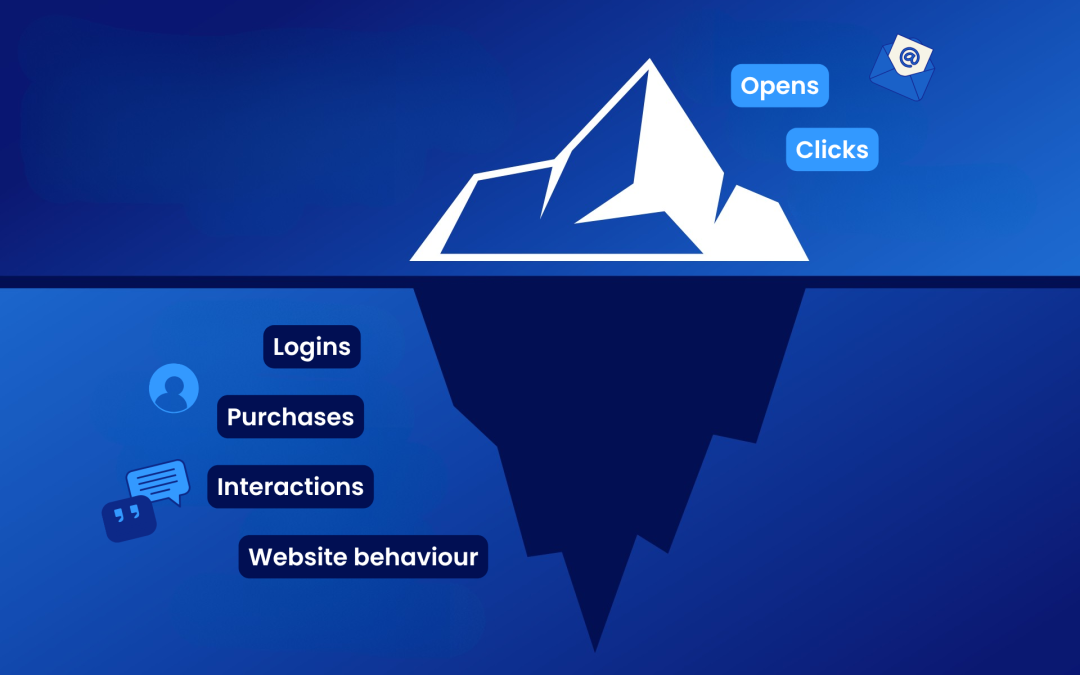
Once live, set a regular review cadence. Automated campaigns are not set-and-forget. Review performance monthly at minimum, and look beyond open rates. Track conversion events, revenue attributed to the journey, and how customer behaviour shifts after they complete the workflow. Use this data to refine your triggers, adjust your timing, and improve your content over time.
The strongest automation strategies are iterative. Launch, learn, and improve continuously rather than waiting for perfection before going live.
How Deployteq Helps You Build a Smarter Automation Strategy
Building a marketing automation strategy from scratch is a significant undertaking, and the right platform makes every step faster and more effective. That is where we come in.
Deployteq is built for exactly this kind of work. Here is what we bring to each stage of the process:
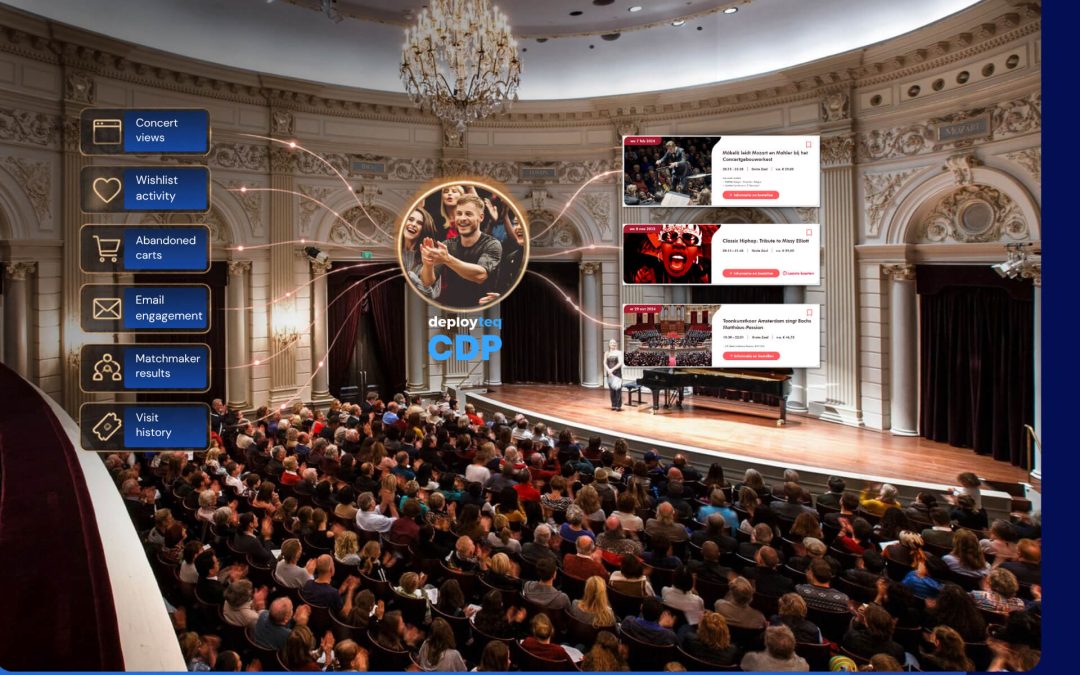
- Unified customer data: Our Customer Data Platform consolidates data from every source into a single profile, so your segments are always accurate and your triggers fire on real behaviour.
- Smart segmentation: Build real-time segments using RFM modelling, predictive insights, and next-best-offer logic, without needing a data science team to do it.
- Cross-channel journey builder: Design and automate journeys across email, SMS, WhatsApp, push, and web from a single, intuitive interface. No duct tape between tools required.
- Advanced email capabilities: Our email marketing tools include superior template builders and dynamic personalisation that adapts to each customer’s data in real time.
- Monitoring and optimisation: Track journey performance and act on insights directly within the platform, so your strategy keeps improving after launch.
Trusted by brands like Wickes, Virgin Media, and Center Parcs, we help marketing teams move from manual production to scalable, hyper-personalised automation. Ready to see it in action? Book a demo and explore what your automation strategy could look like with the right platform behind it.