Switching marketing platforms is one of the most critical decisions you’ll make as a marketing professional. Done wrong, you risk losing years of customer data, breaking automated workflows, and damaging your email deliverability. Done right, platform migration opens up new possibilities for personalization, automation, and customer engagement that can transform your marketing results.
The key to successful marketing platform migration lies in meticulous planning, understanding your data architecture, and choosing the right migration approach for your specific needs. Whether you’re moving from a basic platform like Mailchimp to a more sophisticated solution or consolidating multiple tools into a unified system, the process requires careful attention to data integrity and continuity of the customer experience.
What does marketing platform migration actually involve?
Marketing platform migration involves transferring all your customer data, email lists, automation workflows, templates, and campaign history from one marketing system to another while maintaining data integrity and operational continuity. This process typically includes data extraction, transformation, validation, and testing phases before going live on the new platform.
The migration process encompasses several critical components that must work together seamlessly. Your customer database must be transferred in full, with all custom fields, tags, and segmentation criteria intact. Email templates and creative assets may require reformatting to match the new platform’s specifications. Automation workflows often need to be rebuilt or adapted to leverage the new system’s capabilities.
Beyond the technical aspects, a successful migration involves team training, thorough testing, and a phased rollout. Most marketing teams underestimate the time required for comprehensive testing and staff adoption. Plan for at least four to six weeks of preparation and testing, even for straightforward migrations between similar platforms.
How do you prepare your data before migrating platforms?
Data preparation begins with a comprehensive audit of your existing customer database, including removing duplicate records, standardizing field formats, and documenting all custom fields, tags, and segmentation rules you want to preserve. Export all data in multiple formats, and create detailed mapping documents that show how each field translates to your new platform.
Start by identifying all data sources feeding into your current platform. Many marketing teams discover they have data scattered across multiple systems, spreadsheets, and integrations that need consolidation. Create a master inventory listing every custom field, automation trigger, and data point you currently track.
Clean your data ruthlessly before migration. Remove inactive subscribers, merge duplicate profiles, and standardize formatting for phone numbers, addresses, and custom fields. This cleanup process often reveals data-quality issues that would otherwise complicate your migration and reduce the effectiveness of your new platform.
Document your segmentation logic and automation triggers in detail. Create flowcharts showing how customers move through your current workflows. This documentation becomes essential when rebuilding automations in your new system, ensuring you don’t lose sophisticated targeting rules you’ve developed over time.
What’s the difference between automated and manual migration methods?
Automated migration uses APIs and direct platform integrations to transfer data quickly and accurately, while manual migration involves exporting CSV files and manually rebuilding workflows. Automated methods typically preserve more data relationships but require technical expertise to execute properly.
Automated migration tools can transfer complex data structures, maintain field relationships, and preserve historical engagement data that manual methods often lose. Many modern marketing automation platforms offer built-in migration assistance or partner with specialized migration services to streamline the process.
Manual migration gives you complete control over what transfers and how it’s organized in your new system. This approach works well for smaller databases or when you want to use migration as an opportunity to restructure your data architecture. However, manual methods are time-intensive and prone to human error, especially with large datasets.
The hybrid approach combines both methods, using automated tools for bulk data transfer while manually handling complex workflows and custom integrations. This strategy often provides the best balance of speed, accuracy, and control, particularly for businesses with sophisticated automation setups.
How do you maintain email deliverability during platform migration?
Maintaining email deliverability during migration requires gradually warming up your new sending infrastructure, preserving sender reputation through consistent sending patterns, and implementing proper authentication protocols like SPF, DKIM, and DMARC on your new platform before switching over completely.
Start building sender reputation on your new platform weeks before the full migration. Begin with your most engaged subscribers and the smallest send volumes, gradually increasing both audience size and frequency. This warming process signals to email providers that your new sending infrastructure is legitimate and trustworthy.
Never attempt to switch platforms and immediately send to your entire database. Internet service providers track sudden changes in sending patterns and may flag your emails as suspicious. Plan a two- to three-week transition period during which you gradually shift sending volume from your old platform to the new one.
Monitor deliverability metrics closely during the transition. Track open rates, click rates, and spam complaint rates across both platforms. If you notice deliverability drops, slow your transition and investigate potential authentication or reputation issues with your email marketing platform provider.
What marketing automation workflows transfer successfully between platforms?
Simple trigger-based workflows like welcome series, abandoned cart sequences, and birthday campaigns typically transfer well between platforms, while complex, multi-branch workflows with advanced conditional logic often require rebuilding to match the new platform’s automation capabilities and trigger structures.
Welcome email sequences and basic nurture campaigns usually migrate smoothly because they follow straightforward trigger-action patterns. Most platforms support similar triggers like “new subscriber” or “purchase completed,” making these workflows relatively platform-agnostic in their core logic.
Advanced workflows that use complex scoring models, multiple data sources, or sophisticated timing controls often need significant rebuilding. Each platform handles conditional logic differently, so workflows with multiple “if-then” branches require careful reconstruction to maintain their intended behavior.
Integration-dependent workflows present the biggest migration challenges. If your current automations rely on specific third-party connections or custom API calls, verify that your new platform supports similar integrations before migration. Some workflows may need a complete redesign based on the available integration options.
How Deployteq helps with marketing platform migration
We understand that platform migration can feel overwhelming, which is why we’ve built comprehensive migration support into our onboarding process. Our team works directly with you to ensure seamless data transfer, workflow reconstruction, and deliverability preservation throughout your transition.
Our migration assistance includes:
- Dedicated migration specialists who handle technical data transfer and field mapping
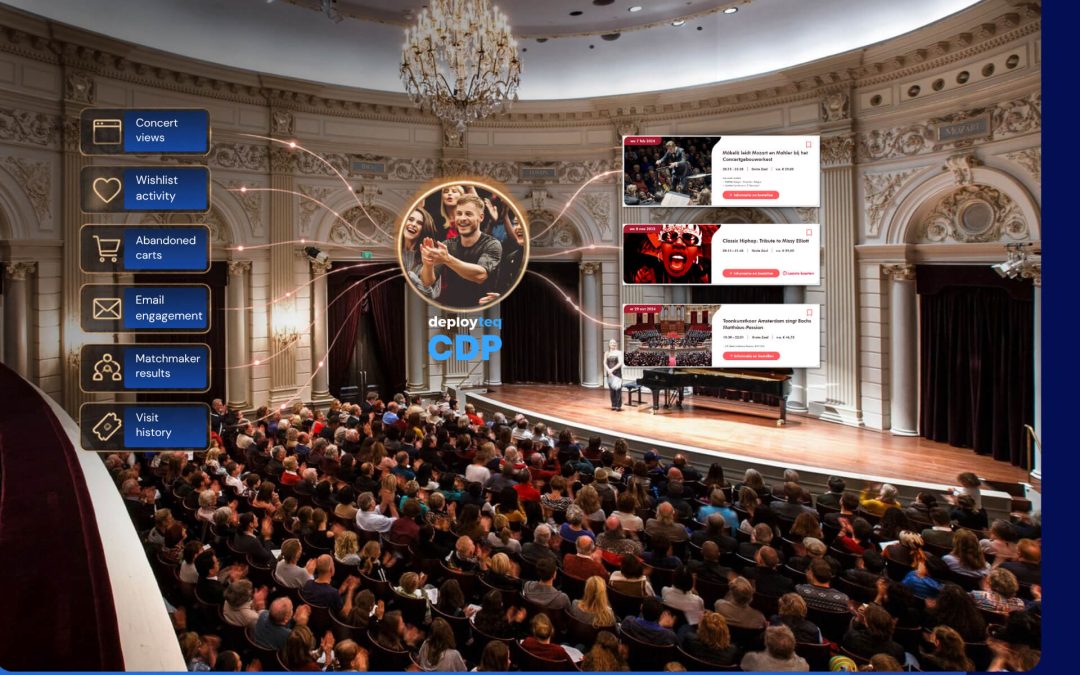
- Advanced customer data platform capabilities that consolidate fragmented data from multiple sources
- Workflow rebuilding support that leverages our flexible journey builder to recreate and enhance your existing automations
- Deliverability expertise to maintain sender reputation during platform transition
Ready to migrate to a platform that grows with your marketing ambitions? Book a demo to see how we can make your platform migration smooth, secure, and successful.