Connecting your CRM to a marketing automation platform is one of the highest-leverage moves you can make as a marketer. When your CRM data flows directly into your automation workflows, you stop guessing and start triggering the right message, to the right person, at exactly the right moment. The result: fewer manual exports, smarter segmentation, and campaigns that actually convert.
This guide walks you through every step of the process, from pre-integration checks to ongoing optimisation. Follow it in order and you will have a fully functioning CRM integration that powers real-time, personalised campaigns across every channel.
What You Need Before Connecting Your CRM
Before you touch a single integration setting, get your foundations right. A rushed setup leads to duplicate records, broken syncs, and data you cannot trust. Take thirty minutes here and save yourself hours later.
Gather the following before you start:
- CRM admin access with API permissions enabled
- Marketing automation platform admin credentials with integration rights
- A clear data inventory listing every contact field, custom property, and tag your CRM currently holds
- Consent and compliance records confirming your contact list meets GDPR or relevant data regulations
- A documented data owner on your team who will manage the sync going forward
Also confirm your CRM supports API-based or native integration with your marketing automation platform. Most modern CRMs do, but it is worth verifying before you invest time in the setup.
Map Your CRM Data Fields to Marketing Automation
Field mapping is where most integrations quietly break. If your CRM stores a contact’s purchase date in a field called last_order_date but your automation platform expects purchase_date, nothing will sync correctly. Get this right upfront.
- Export a sample of 50 to 100 CRM records and review every field that is populated.
- List the fields your marketing campaigns actually need: first name, email, purchase history, lifecycle stage, and any behavioural flags.
- Cross-reference these against the available fields in your marketing automation platform.
- Create a mapping document that shows exactly which CRM field connects to which automation field, including data type (text, date, boolean).
- Identify any gaps where your CRM holds data that does not yet exist as a field in your automation platform, and create those custom fields before syncing.
After mapping, you should have a clear, one-to-one document that will guide your technical setup. Any unmapped fields should be a conscious decision, not an oversight.
Set Up the CRM Integration and Data Sync
With your field map ready, configure the actual CRM integration. The method depends on your platforms, but the principles are consistent whether you are using a native connector, a middleware tool like Zapier or Make, or a direct API connection.
Configure the connection
- Navigate to the integrations or connections section of your marketing automation platform.
- Select your CRM from the available connectors and authenticate using your CRM API key or OAuth credentials.
- Set the sync direction: one-way (CRM to automation), two-way, or selective. For most campaigns, a two-way sync is ideal so that engagement data flows back into your CRM.
Apply your field mapping
- Use your mapping document to connect each CRM field to the correct automation field.
- Set conflict resolution rules: decide which platform wins when the same field is updated in both places simultaneously.
- Define your sync frequency. Real-time or near-real-time sync is preferable for behavioural triggers; daily batch sync works for slower-moving data like loyalty tier updates.
Once configured, run an initial sync with a small test group of contacts before opening it up to your full database. This protects you from a large-scale data error on day one.
Segment Your CRM Contacts for Targeted Campaigns
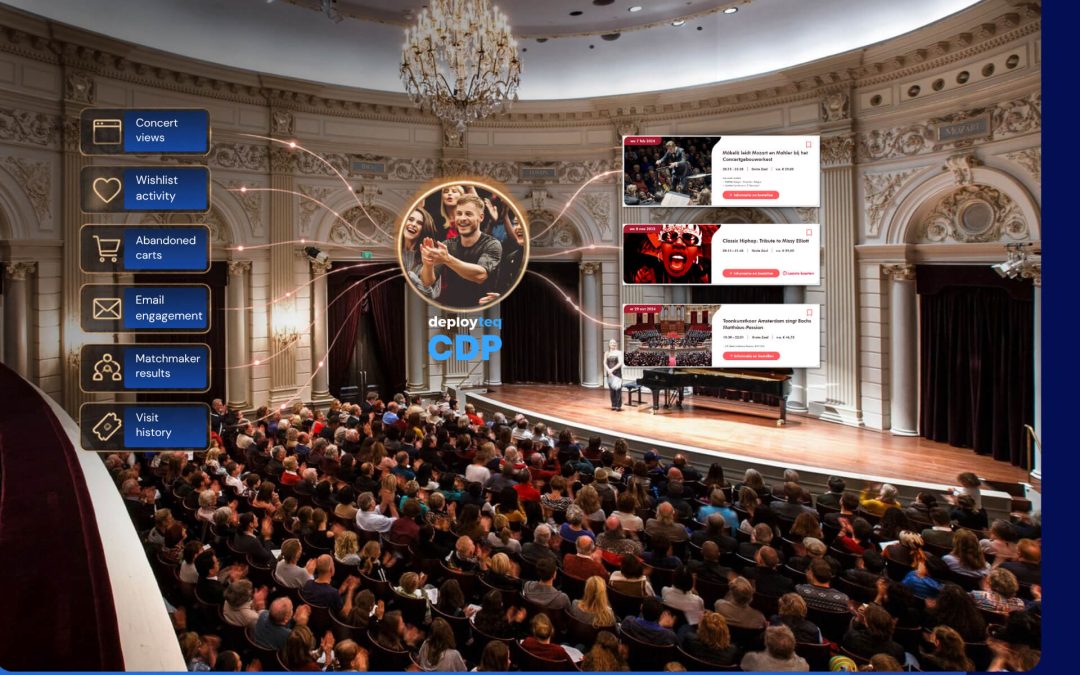
A CRM integration is only as valuable as the segments it enables. Now that your CRM data is flowing into your customer data platform, use it to build precise, actionable audience groups rather than broadcasting to your entire list.
Start with your highest-value segmentation criteria:
- Lifecycle stage: new subscribers, active customers, lapsed buyers, and loyal advocates each need a different message
- Purchase behaviour: recency, frequency, and monetary value (RFM) are reliable indicators of future intent
- Engagement history: open rates, click behaviour, and channel preference tell you how and where to reach each contact
- Product or category affinity: for retail or travel brands, knowing what a customer has browsed or bought narrows your personalisation significantly
Build these segments dynamically so they update automatically as CRM data changes. A static list exported last Tuesday is already out of date. Dynamic segments tied to live CRM data syncs keep your targeting accurate without manual effort.
Test and Validate Your CRM Connection
Testing is not optional. A sync that appears to work can still be passing incorrect values, missing records, or duplicating contacts. Validate thoroughly before you run any live campaign against this data.
- Select five to ten test contacts with varied data profiles: a new subscriber, a lapsed customer, a high-value buyer, and a contact with incomplete data.
- Update a field in your CRM for each test contact and confirm the change appears in your marketing automation platform within the expected sync window.
- Trigger a test email or SMS to your test contacts and verify that personalisation tokens pull the correct CRM values.
- Check for duplicates by searching your automation platform for test contact email addresses and confirming only one record exists per contact.
- Review your sync error logs. Most platforms surface failed records in a log or dashboard. Resolve any errors before going live.
After passing these checks, you should have confidence that your CRM data sync is accurate, complete, and ready to power real campaigns. Document the results of your validation so you have a baseline to compare against in future audits.
Optimise Your Integration for Better Campaign Results
Getting the integration live is the starting point, not the finish line. The marketers who see the biggest returns from CRM marketing automation treat the integration as a living system they continuously refine.
Focus your optimisation efforts on these areas:
- Trigger accuracy: review which CRM events are firing automation triggers and whether they are firing at the right moment. A purchase trigger that fires 24 hours late is a missed opportunity.
- Data hygiene: schedule a monthly review of sync error logs and unmatched records. Clean data in your CRM means cleaner segments in your automation platform.
- Segment performance: analyse campaign results by segment. If a CRM-defined segment consistently underperforms, the segment definition may need tightening or the messaging may need adjusting.
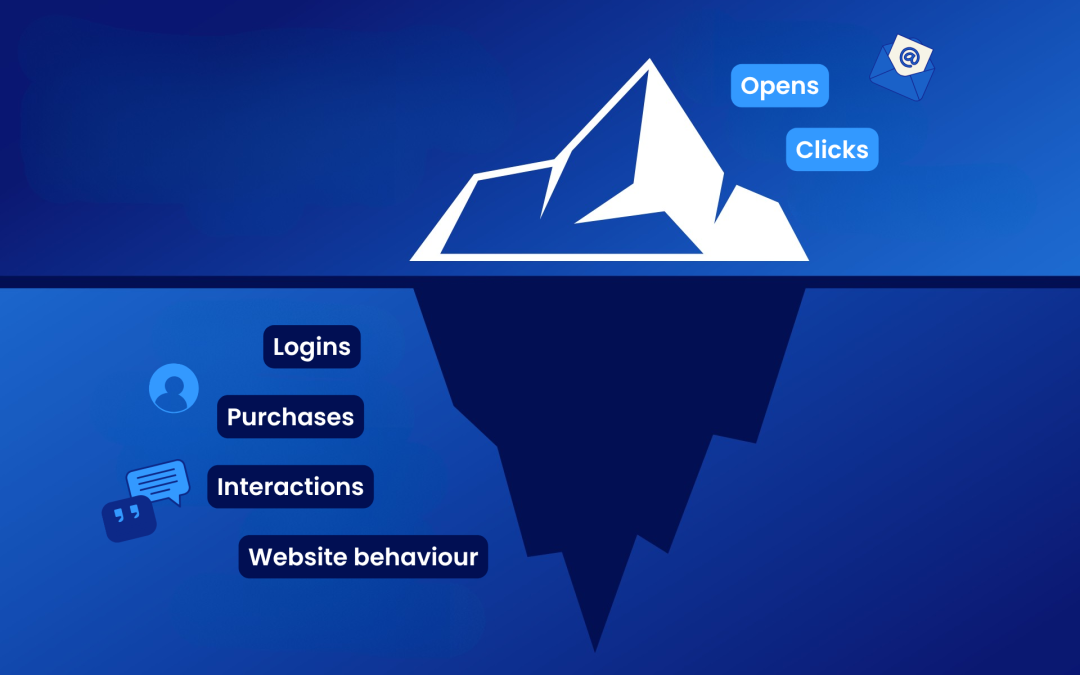
- Bi-directional enrichment: use engagement data from your marketing platform to enrich CRM records. A contact who clicks every email about a specific product category is telling you something valuable.
With your integration optimised, you move from simply connecting two tools to building a genuinely intelligent view of each customer that improves every campaign you send.
How Deployteq Helps You Connect CRM to Marketing Automation
We built Deployteq specifically for marketers who need data they can actually use, without the complexity that usually comes with it. Our platform makes CRM integration and data sync straightforward, with native connectors, real-time segmentation, and a journey builder that activates your CRM data across email, SMS, WhatsApp, push, and web from a single place.
Here is what that looks like in practice:
- Unified data consolidation: bring CRM records, behavioural data, and transactional history together in one place so your segments are always current
- Smart segmentation: build dynamic audiences using RFM modelling, lifecycle stage, and predictive insights powered by our CDP
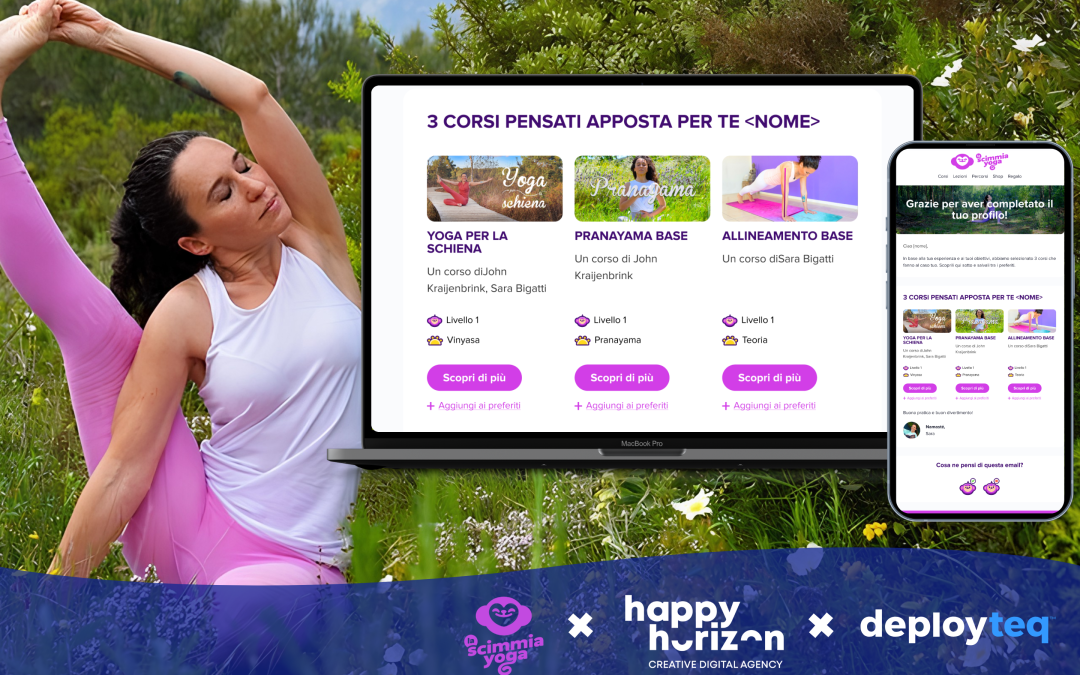
- Flexible journey builder: trigger personalised campaigns the moment a CRM event occurs, whether that is a new purchase, a lapsed booking, or a loyalty milestone
- Cross-channel activation: deploy your CRM-driven segments across every channel without rebuilding your audience each time
If you are ready to see how this works with your own data, book a guided demo and we will walk you through the platform with your use case in mind.