Most automated customer journeys fail before they launch. Not because the technology is wrong, but because the logic behind them is. Marketers jump straight into building flows without a clear plan, and the result is a tangled mess of triggers, branches, and conditions that nobody can maintain.
This guide walks you through how to build automated customer journeys that actually work, from the initial mapping stage through to ongoing optimisation. Follow these steps in order and you will have a live, measurable journey running by the end.
Map Your Customer Journey Before You Build
Before you touch any automation tool, map the journey on paper or a whiteboard. This is the step most teams skip, and it is the reason most journeys underperform. You need to know exactly what customer behaviour you are responding to, what the goal of the journey is, and what the logical path looks like from entry to exit.
- Define the journey goal: cart recovery, onboarding, re-engagement, loyalty, or lifecycle nurture.
- Identify the customer segment this journey is built for, including their data profile and likely behaviour.
- List every touchpoint in sequence: the trigger event, each message or action, every decision point, and the exit conditions.
- Note which data points you need at each step, for example purchase history, browsing behaviour, or loyalty tier.
At the end of this step, you should have a clear flowchart that anyone on your team can follow. If the logic is unclear on paper, it will be even less clear once it is built. Customer data consolidation is essential here, because fragmented data leads to broken logic downstream.
Set Up Your Triggers and Entry Conditions
Triggers are the engine of any automated workflow. They define exactly when a customer enters your journey, and getting this right is critical. A poorly defined trigger either fires too broadly, pulling in customers who should not be there, or too narrowly, missing the people you actually want to reach.
- Choose your trigger type: event-based (a purchase, a form submission, a page visit), date-based (a birthday, a subscription renewal), or segment-based (a customer crossing an RFM threshold).
- Set entry conditions that qualify the customer before they enter. For example, only customers who have not purchased in 90 days, or only loyalty members above a certain tier.
- Decide whether the journey allows re-entry. A win-back journey might allow it after six months; a welcome series should not.
- Configure suppression rules to exclude customers who are already in a conflicting journey or who have recently received a similar communication.
Once your triggers are configured, test them in a sandbox environment with a small data sample. Verify that the right customers are entering and the wrong ones are being excluded before you move to the next stage.
Build the Journey Flow with Actions and Decision Splits
With your triggers configured, the next step is building the actual flow. This is where your whiteboard map becomes a live structure inside your journey builder. Work through your map step by step, adding actions and decision splits in the order you planned them.
- Add your first action, typically an email, SMS, or push notification, and connect it to the entry trigger.
- Set a wait period before the next action. Base this on realistic customer behaviour, not arbitrary timings. A travel brand might wait 24 hours after a booking confirmation before sending a pre-trip guide; a retail brand might wait two hours after cart abandonment.
- Insert decision splits based on customer behaviour. Did they open the email? Did they click? Did they convert? Each branch should lead to a meaningfully different path.
- Build out each branch fully before moving on. Leaving dead ends in a journey is a common mistake that causes customers to drop out silently.
- Set exit conditions at every logical endpoint, whether that is a conversion, an unsubscribe, or a maximum number of touchpoints reached.
After building the full flow, walk through it manually as if you were a customer on each possible path. Every branch should have a clear endpoint and a purposeful next action.
Personalise Each Touchpoint with Segmentation and Data
A journey that sends the same message to everyone is just a broadcast. Real journey automation uses the data you have on each customer to make every touchpoint feel relevant. This is where smart segmentation and dynamic content make the difference between a journey that converts and one that gets ignored.
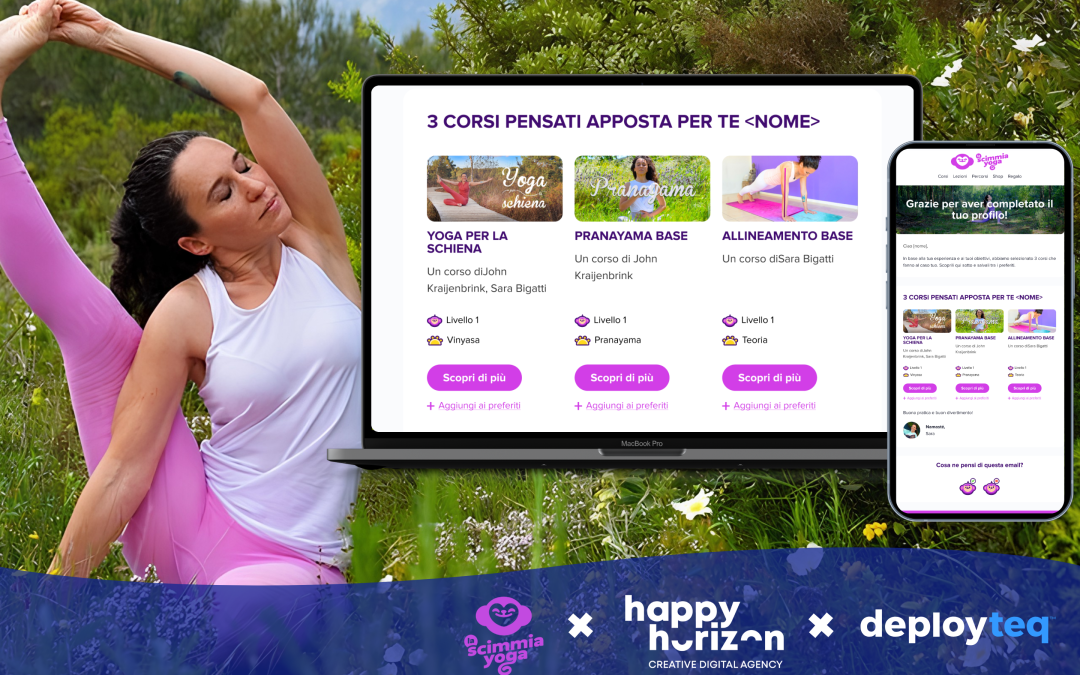
- Use dynamic content blocks in your emails and messages to swap out copy, images, or offers based on customer attributes such as location, purchase history, or loyalty status.
- Apply real-time segments at each decision split so that customers are routed based on their current profile, not just their profile at the point of entry.
- Use predictive signals where available. Next-best-offer modelling, for example, can determine which product recommendation to show at a given touchpoint based on a customer’s behaviour pattern.
- Personalise timing as well as content. Send messages when individual customers are most likely to engage, not just at a fixed time of day.
The goal is for each customer to feel as though the journey was built specifically for them. A finance customer receiving a timely alert about their policy renewal and a retail customer getting a personalised restock notification are both experiencing the same underlying logic, just expressed through their own data.
Test and Activate Your Automated Journey
Do not activate a journey you have not tested end to end. Even well-planned journeys can have logic errors, broken links, or misfiring triggers that only become visible when you run them with real data.
- Send test messages through every branch of the journey using internal test profiles that represent different customer segments.
- Check that dynamic content renders correctly for each profile type. Verify that personalisation fields are pulling the right data and not returning blank values.
- Confirm that decision splits are routing correctly by checking which branch each test profile lands in after each action.
- Review suppression rules and re-entry settings one final time before going live.
- Activate the journey for a small cohort first, typically five to ten per cent of the intended audience, before rolling out fully.
After your soft launch, monitor the first 24 to 48 hours closely. Check open rates, click rates, and conversion events at each step. If something looks off, pause and investigate before expanding the audience.
Measure Performance and Refine Over Time
Activating the journey is not the finish line. The best automated customer journeys improve continuously based on performance data. Set a review cadence from day one so that optimisation becomes a habit rather than an afterthought.
- Track the key metrics at each step: open rate, click rate, conversion rate, and drop-off rate. Drop-off at a specific point tells you exactly where the journey is losing people.
- Run A/B tests on subject lines, send times, and content variants within individual steps. Change one variable at a time so you can attribute results clearly.
- Review the journey holistically every 30 to 60 days. Customer behaviour changes, and a journey that performed well six months ago may need updating to stay relevant.
- Use LTV and segment-level data to assess whether the journey is reaching the right customers and driving the outcomes that matter to your business.
The most effective automated workflows are never truly finished. They evolve as your data gets richer, your segments get sharper, and your understanding of customer behaviour deepens.
How Deployteq Helps You Build Automated Customer Journeys
We built Deployteq specifically for marketers who need to move fast without sacrificing precision. Our platform gives you everything you need to design, launch, and optimise automated customer journeys across every channel, without the complexity that slows most teams down.
- Visual journey builder: Design multi-step, multi-channel journeys with a flexible drag-and-drop interface that maps directly to the logic you planned.
- Real-time segmentation: Route customers dynamically based on live data, not static lists, so every decision split reflects who they are right now.
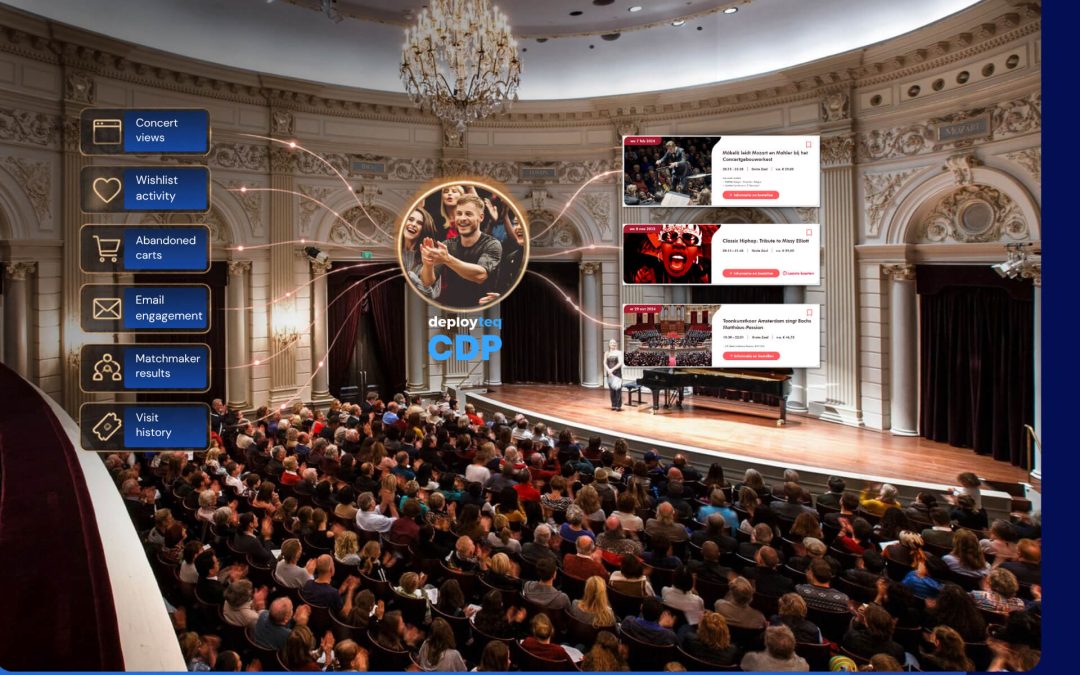
- Built-in CDP: Unify customer data from every source and activate it directly within your journeys, including RFM modelling, next-best-offer, and predictive insights.
- Cross-channel activation: Run journeys across email, SMS, WhatsApp, push, and web from a single platform, with consistent personalisation at every touchpoint.
- Advanced email automation: Our email marketing tools include superior segmentation and dynamic content capabilities that make personalisation at scale genuinely achievable.
If you are ready to see how this works in practice, do a self-guided demo and explore the platform at your own pace.