Managing email bounces involves setting up automated systems to handle undeliverable messages and maintaining clean subscriber lists. Proper bounce management protects your sender reputation by preventing repeated sends to invalid addresses, which email service providers use to evaluate your trustworthiness. This guide covers essential bounce management strategies, acceptable bounce rates, and practical list-cleaning techniques.
What are email bounces and why do they hurt your sender reputation?
Email bounces occur when messages cannot be delivered to recipients’ inboxes and are returned to the sender. They damage your sender reputation because email service providers interpret high bounce rates as a sign of poor list quality or spam-like behavior, leading to reduced deliverability for future campaigns.
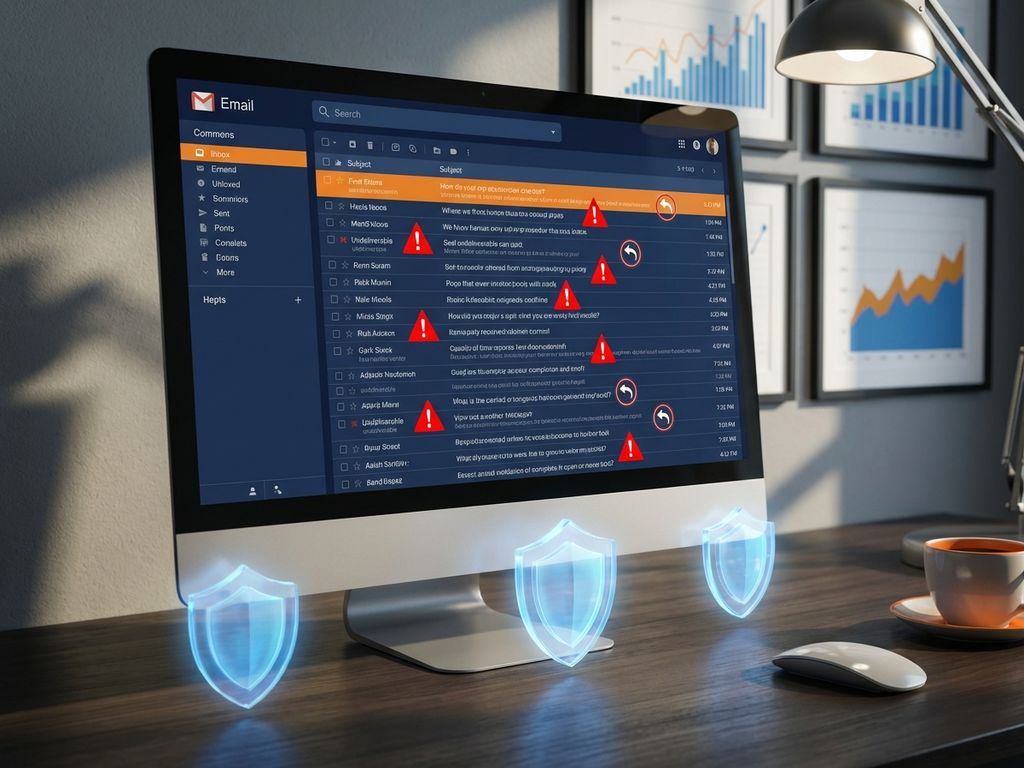
When you send emails to invalid addresses, mailbox providers like Gmail, Outlook, and Yahoo track these failures. Each bounce contributes to a negative sender score that affects whether your messages reach the inbox, land in spam folders, or get blocked entirely. Internet service providers use sophisticated algorithms to monitor bounce patterns, and consistently high bounce rates can result in your domain or IP address being blacklisted.
The relationship between bounce rates and email deliverability varies across providers, but all major platforms penalize senders with poor list hygiene. Gmail tends to be particularly strict about bounce management, while other providers may offer more tolerance for occasional spikes. However, maintaining low bounce rates consistently demonstrates responsible sending practices that build trust with all email service providers.
Your sender reputation affects not just individual campaigns but your entire email marketing platform performance. A damaged reputation can take weeks or months to repair, making prevention through proper bounce management essential for long-term success.
What’s the difference between hard bounces and soft bounces?
Hard bounces indicate permanent delivery failures due to invalid email addresses, non-existent domains, or blocked recipients. Soft bounces represent temporary delivery issues like full mailboxes, server problems, or messages that are too large, and may succeed if retried later.
Hard bounces require immediate action because they represent addresses that will never accept your messages. Common examples include typos in email addresses (user@gmial.com instead of user@gmail.com), deleted accounts, or domains that no longer exist. These addresses should be removed from your list immediately to prevent further damage to your sender reputation.
Soft bounces need more nuanced handling since they might resolve themselves. Examples include temporarily full mailboxes, server downtime, or auto-reply messages from vacation responders. Most email platforms automatically retry soft bounces several times over a few days before converting them to hard bounces.
Email platforms handle these bounce types differently in their automated systems. Hard bounces typically trigger immediate suppression, while soft bounces often get multiple delivery attempts. Hard bounces pose greater risks to sender reputation because they indicate fundamental list quality issues, whereas occasional soft bounces are considered normal email behavior.
How do you set up automated bounce management in your email platform?
Configure bounce handling by enabling automatic suppression lists, setting retry policies for soft bounces, and establishing rules for immediate hard bounce removal. Most modern email platforms include built-in bounce management tools that process returned messages and update your subscriber status automatically.
Start by accessing your platform’s bounce handling settings, typically found in account preferences or list management sections. Enable automatic hard bounce suppression to immediately remove invalid addresses from future sends. Set soft bounce retry attempts to 3–5 attempts over 72 hours before marking addresses as hard bounces.
Create suppression lists that automatically capture bounced addresses and prevent manual re-addition. Configure your system to categorize bounce reasons, helping you identify patterns like domain issues or content problems that might be causing delivery failures.
Set up monitoring alerts for unusual bounce rate spikes that might indicate list quality issues or technical problems. Many platforms allow you to establish thresholds that trigger notifications when bounce rates exceed normal levels for your account.
Modern platforms with advanced capabilities can help you optimize email deliverability through intelligent bounce management that adapts to different provider requirements and maintains your sender reputation automatically.
What bounce rate is considered acceptable for email marketing?
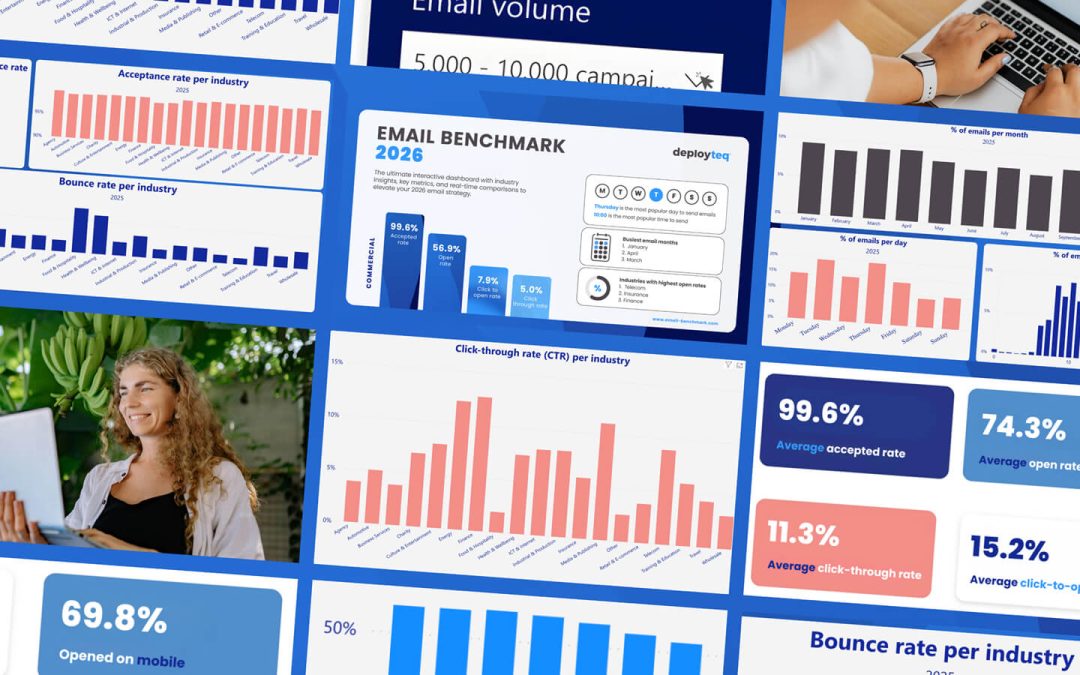
Industry benchmark bounce rates typically range from 2–5% for established lists, with rates above 5% indicating potential deliverability problems. New lists or re-engagement campaigns may see higher initial bounce rates, but sustained rates above 10% require immediate attention and list-cleaning efforts.
Different sectors experience varying bounce rate norms based on their audience characteristics. B2B companies often see slightly higher bounce rates due to job changes and corporate email policies, while consumer brands with regularly engaged audiences typically maintain lower rates. E-commerce businesses usually achieve bounce rates below 3% due to transaction-based list building.
Several factors influence acceptable bounce rates beyond industry type. List age affects bounce rates significantly, with older segments experiencing higher rates due to natural email address changes. Acquisition methods also matter – purchased lists typically show much higher bounce rates than organically grown subscriber bases.
Warning signs requiring immediate attention include sudden bounce rate increases, consistently rising bounce trends over multiple campaigns, or bounce rates exceeding 8% for established lists. These indicators suggest underlying problems with list quality, data collection practices, or technical delivery issues.
Regular monitoring helps you maintain acceptable bounce rates and identify problems before they seriously damage your sender reputation. Track bounce rate trends monthly and investigate any significant changes in your typical patterns.
How do you clean your email list to reduce bounce rates?
Implement regular email validation using verification tools, run re-engagement campaigns to identify inactive subscribers, and establish ongoing list maintenance schedules. Effective list hygiene combines automated validation with strategic subscriber management to maintain high deliverability and engagement rates.
Email validation techniques include real-time verification during sign-up, bulk list cleaning for existing databases, and syntax checking to catch obvious errors. Use validation services that verify domain existence, mailbox availability, and identify role-based addresses that might cause delivery issues.
Re-engagement campaigns help identify subscribers who remain interested versus those with potentially invalid addresses. Create targeted campaigns asking inactive subscribers to confirm their continued interest, then remove non-responders after a defined period. This process naturally eliminates many invalid addresses while preserving engaged subscribers.
Regular maintenance schedules should include monthly bounce rate analysis, quarterly validation of inactive segments, and annual comprehensive list cleaning. Establish automated workflows that flag subscribers showing engagement decline before they become deliverability problems.
Consider implementing double opt-in processes for new subscribers to prevent invalid addresses from entering your list initially. While this may reduce sign-up numbers, it significantly improves list quality and long-term deliverability performance.
How Deployteq helps with email bounce management
Deployteq provides comprehensive bounce management solutions that automatically protect your sender reputation while maintaining optimal email deliverability. Our platform combines intelligent automation with advanced list hygiene tools to ensure your campaigns consistently reach their intended recipients.
Key features include:
- Real-time email validation that prevents invalid addresses from entering your lists
- Automated bounce categorization and suppression for both hard and soft bounces
- Advanced re-engagement workflows that identify and remove inactive subscribers
- Comprehensive bounce rate monitoring with customizable alerts and reporting
- Intelligent retry logic that adapts to different email provider requirements
- Professional list cleaning services and consultation for complex deliverability challenges
Ready to improve your email deliverability and protect your sender reputation? Contact our team to discuss your bounce management needs, or book a demo to see how Deployteq can transform your email marketing performance.