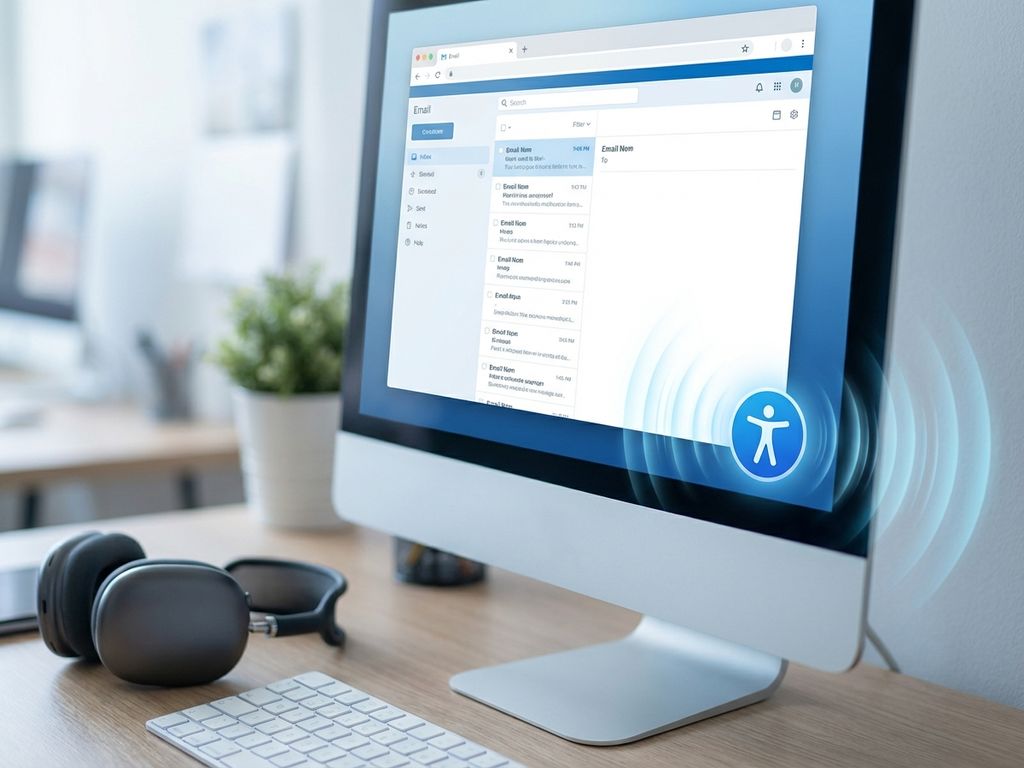
Making marketing emails accessible for screen readers means designing content that assistive technology can interpret and communicate clearly to visually impaired users. Accessible email design requires proper HTML structure, meaningful alt text, descriptive links, and sufficient color contrast. This approach not only serves users with disabilities but also improves email performance for all recipients by creating cleaner, more organized content that renders consistently across platforms.
What does it mean for an email to be accessible to screen readers?
Email accessibility means designing messages that screen readers can navigate and interpret effectively for users with visual impairments. Screen readers convert digital text into speech or braille, relying on proper HTML markup and semantic structure to understand content hierarchy and meaning.
Screen readers interact with emails by reading content in a linear fashion from top to bottom. They announce headings, describe images through alt text, and identify interactive elements like links and buttons. When emails lack proper structure, screen readers may skip important content or provide confusing information to users.
Inclusive email design offers benefits that extend beyond accessibility compliance. Well-structured emails load faster, display consistently across email clients, and improve engagement rates for all users. Clear headings and logical content flow make emails easier to scan, while descriptive link text helps recipients understand where links lead before clicking.
The foundation of screen reader compatibility lies in semantic HTML markup. This means using heading tags (H1, H2, H3) to create content hierarchy, table elements for data presentation, and list tags for grouped information. These structural elements provide context that screen readers use to help users navigate efficiently through email content.
Why should marketers prioritize email accessibility in their campaigns?
Marketers should prioritize email accessibility because it expands audience reach, ensures legal compliance, and improves user experience for all recipients. Accessible email practices demonstrate brand values while potentially reaching the 15% of the global population living with disabilities.
Legal compliance represents a growing concern as accessibility regulations tighten worldwide. The Americans with Disabilities Act (ADA) and Web Content Accessibility Guidelines (WCAG) increasingly apply to digital marketing communications. Companies face potential lawsuits and reputation damage when their content excludes users with disabilities.
The business case for accessibility extends beyond compliance. Accessible emails often perform better across all user segments because they load faster, display more consistently, and provide clearer navigation. When you design for screen readers, you create content that works better for users with slow internet connections, older devices, or those viewing emails in challenging environments.
Brand reputation benefits significantly from inclusive marketing practices. Companies that demonstrate a commitment to accessibility build stronger customer loyalty and attract conscious consumers who value inclusive brands. This approach also improves employee satisfaction and helps attract top talent who want to work for socially responsible organizations.
What are the essential elements that make emails screen reader friendly?
Screen reader–friendly emails require proper HTML structure, semantic markup, meaningful alt text, descriptive link text, and sufficient color contrast. These technical elements work together to create content that assistive technology can interpret and communicate effectively to users.
HTML structure forms the foundation of accessible email design. Use heading tags (H1, H2, H3) to create a logical content hierarchy, allowing screen readers to announce sections clearly. Table elements should contain actual data, not layout formatting. List tags help organize related items, making content easier to navigate and understand.
Color contrast requirements ensure text remains readable for users with low vision or color blindness. Maintain a contrast ratio of at least 4.5:1 for normal text and 3:1 for large text. Avoid relying solely on color to convey important information, instead combining color with text labels or symbols.
Font considerations impact readability across all user groups. Choose clear, simple fonts over decorative options. Maintain font sizes of at least 14px for body text, with larger sizes for headings. Ensure sufficient line spacing and avoid using images of text when actual text would serve the same purpose.
Link text should describe the destination or action clearly without requiring surrounding context. Replace generic phrases like “click here” or “read more” with specific descriptions like “view product details” or “download pricing guide.” This helps screen reader users understand link purposes when navigating through link lists.
How do you write effective alt text for email images and graphics?
Effective alt text describes image content concisely and meaningfully, providing context that serves the same purpose as the visual element. Alt text should be descriptive but brief, typically under 125 characters, focusing on information relevant to the email’s message and goals.
Different image types require specific alt text approaches. For product images, describe the item and key visual features that influence purchasing decisions. For charts or graphs, summarize the key data or trend rather than describing visual elements. For logos, use the company name rather than describing the visual design.
Decorative images that don’t add informational value should use empty alt text (alt=””) rather than descriptive text. This tells screen readers to skip the image entirely, preventing unnecessary interruptions to content flow. However, ensure that truly decorative images don’t contain important information like sale prices or contact details.
Common alt text mistakes include being too vague (“image of product”), too detailed (“red shirt with blue buttons hanging on wooden hanger”), or redundant (“image shows…”). Focus on the image’s purpose within your email context. If an image shows a 50% discount, the alt text should communicate that offer clearly.
When writing alt text for complex graphics, consider whether the information requires longer descriptions. For detailed infographics or charts, you might need to provide additional context in the email body text or link to a more detailed description on your website.
What tools and methods help test email accessibility before sending?
Email accessibility testing combines automated tools, screen reader software, and manual review processes to identify and fix accessibility issues before campaigns launch. Comprehensive testing includes both technical validation and real-world usability assessment across different assistive technologies.
Screen reader software options for testing include NVDA (free for Windows), JAWS (Windows), and VoiceOver (built into Mac and iOS devices). Test your emails using at least one of these tools to understand how content sounds when read aloud. Listen for logical flow, clear navigation, and meaningful descriptions of interactive elements.
Automated accessibility validation tools can quickly identify technical issues like missing alt text, poor color contrast, or improper HTML structure. Tools like WAVE, axe, or Litmus accessibility testing can scan your email HTML and highlight potential problems. However, automated tools can’t assess whether alt text is meaningful or if content makes logical sense.
Manual testing techniques include reviewing your email with images disabled, navigating using only keyboard controls, and checking color contrast ratios. Create internal review processes that include accessibility checkpoints alongside your standard quality assurance procedures.
Establish consistent accessibility standards by creating checklists for your team. Include requirements for alt text, heading structure, link descriptions, and color contrast. Train team members to recognize accessibility issues and understand why these practices matter for user experience and email marketing platform performance.
How can you maintain email accessibility while keeping designs visually appealing?
Accessible email design enhances rather than restricts visual appeal by creating cleaner, more organized layouts that work better across all devices and email clients. Inclusive design principles lead to emails that are both beautiful and functional, improving performance metrics while serving diverse user needs.
Layout techniques that support accessibility include using single-column designs for better mobile compatibility, maintaining consistent spacing between elements, and creating clear visual hierarchy through typography rather than relying solely on color. These approaches create more elegant, professional-looking emails that load faster and display consistently.
Color and typography choices can enhance both accessibility and visual impact. Use color combinations that meet contrast requirements while maintaining brand consistency. Choose font pairings that create visual interest while remaining highly readable. Consider how color-blind users will perceive your design by testing with color-blindness simulation tools.
Interactive element considerations include making buttons large enough for easy clicking (minimum 44px), providing clear hover states, and ensuring form fields have visible labels. These practices improve usability for all users while meeting accessibility requirements. Focus on creating obvious calls to action that stand out visually and work well with assistive technology.
For complex email designs, maintain accessibility by breaking content into digestible sections with clear headings. Use white space effectively to create visual breathing room and logical content groupings. Consider offering a simplified version or plain-text alternative for highly designed emails, giving users a choice in how they consume your content.
Remember that accessible design often leads to better overall email performance. When you create emails that work for screen readers, you’re also creating content that performs better in spam filters, loads faster on slow connections, and displays more consistently across different email clients. If you’re looking to implement these practices systematically, you can book a demo to explore how modern email platforms support accessibility features, or contact us to discuss your specific accessibility requirements and goals.
How Deployteq helps with email accessibility
Deployteq provides comprehensive solutions for creating accessible email campaigns that reach all audiences effectively. Our platform streamlines the implementation of accessibility best practices through:
- Built-in accessibility features – Automated alt text prompts, color contrast checking, and semantic HTML structure validation
- Pre-tested accessible templates – Screen reader-friendly designs that maintain visual appeal while meeting WCAG guidelines
- Accessibility testing tools – Integrated testing capabilities that identify potential issues before campaigns launch
- Expert guidance and training – Dedicated support to help your team implement and maintain accessibility standards across all campaigns
Transform your email marketing into an inclusive experience that drives better engagement and demonstrates your commitment to serving all customers. Schedule a demo today to see how Deployteq can help you create accessible email campaigns that perform exceptionally for every recipient.